Bridge Scenery
Adding scenery around the Buffalo Creek bridge scene
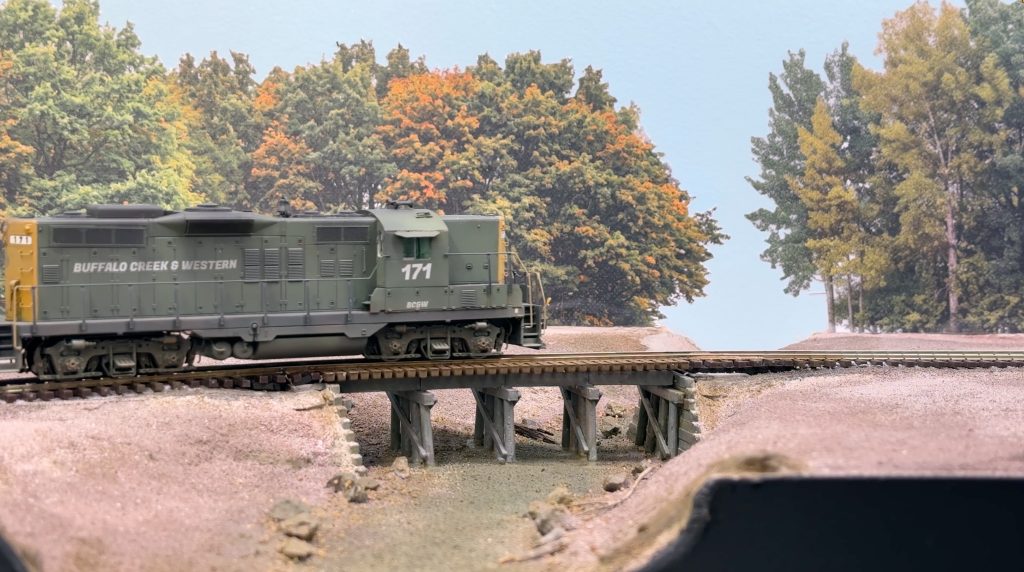
I started adding scenery around the Buffalo Creek bridge scene I built earlier last summer.
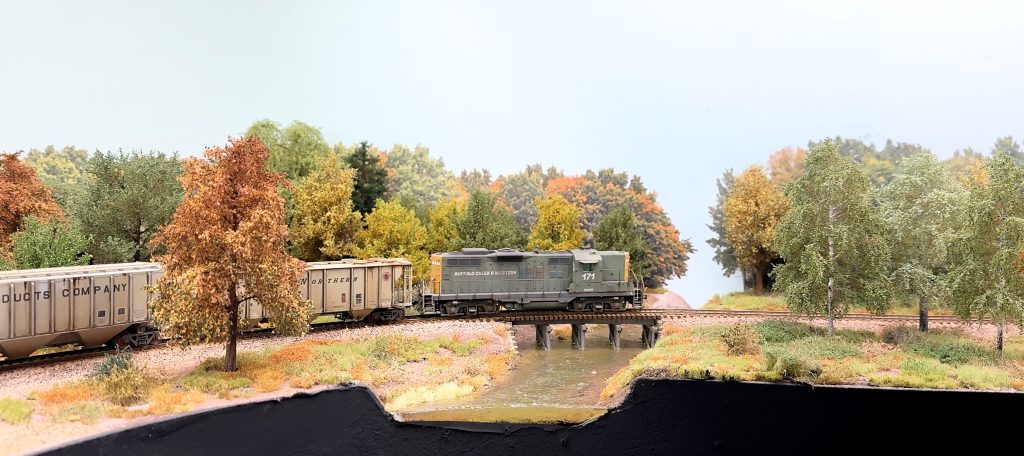
After finishing the terrain and bridge, it was time to add some scenery around them. Here, I used tile grout with some pigments to create a basic terrain texture.
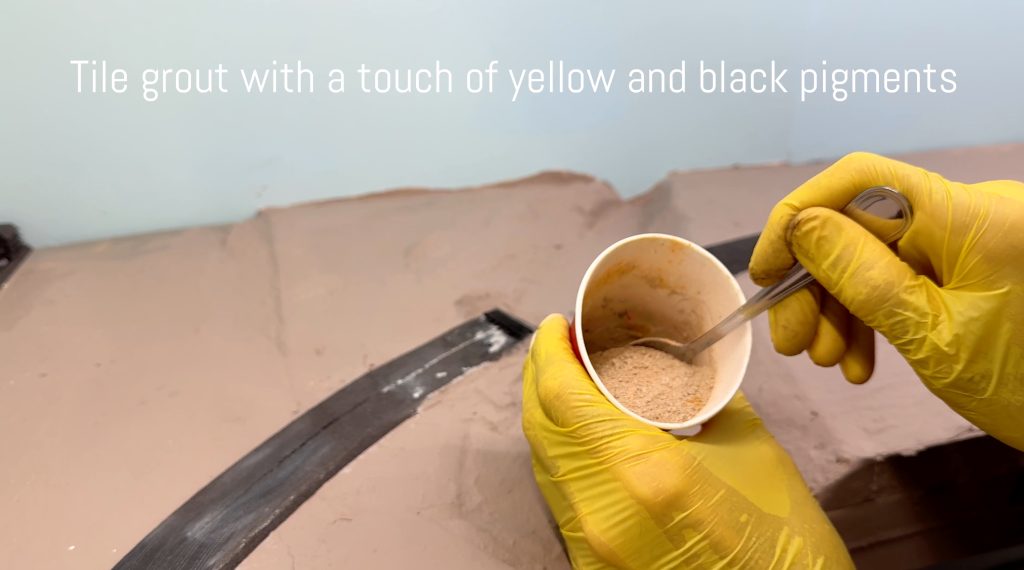
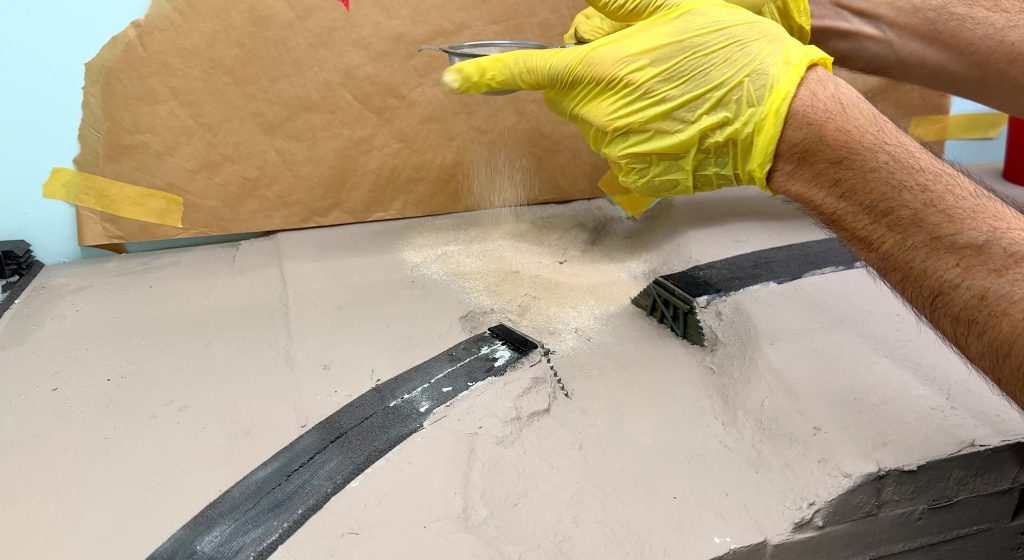
I masked the painted backdrop to avoid making a mess. I know myself very well. Then, I sprinkled the grout on with a tea strainer.
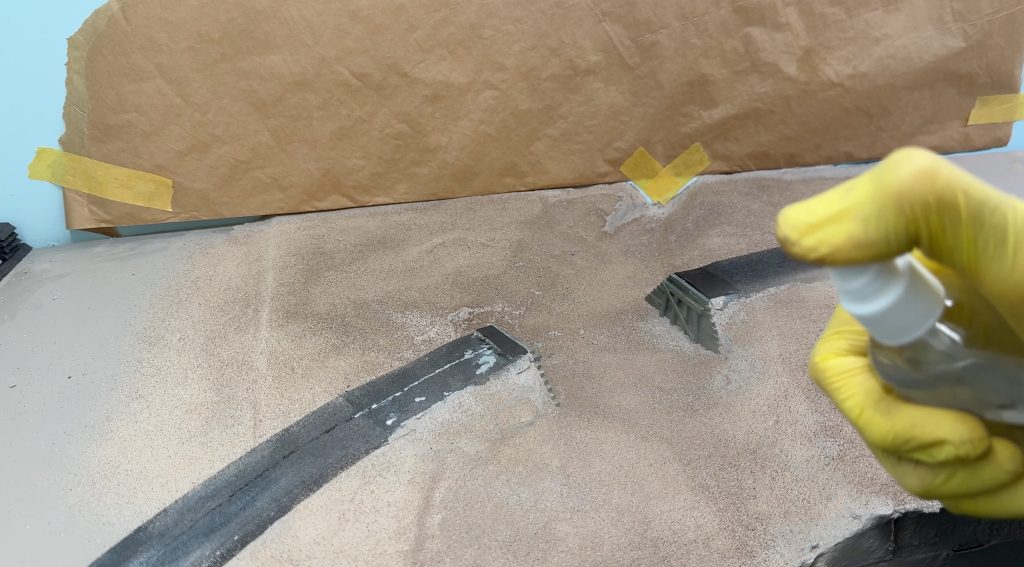
Next, I removed the excess from the bridge abutments and misted everything with water.
While the water dried, I painted the bridge track. It would be hard to do later without messing up the creek water.
While the paint was still wet, I removed it from the tops of the rails with a cotton swab dipped in isopropyl alcohol.
To add more texture, I sprinkled on some fine ballast I had on hand. I don’t even know the brand. It came in a clear plastic bag and looked good.
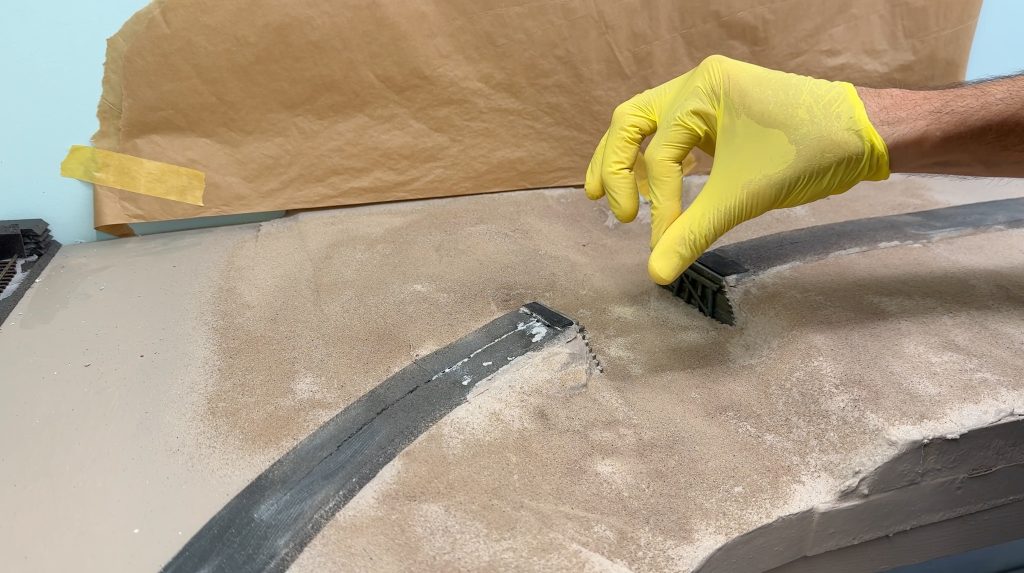
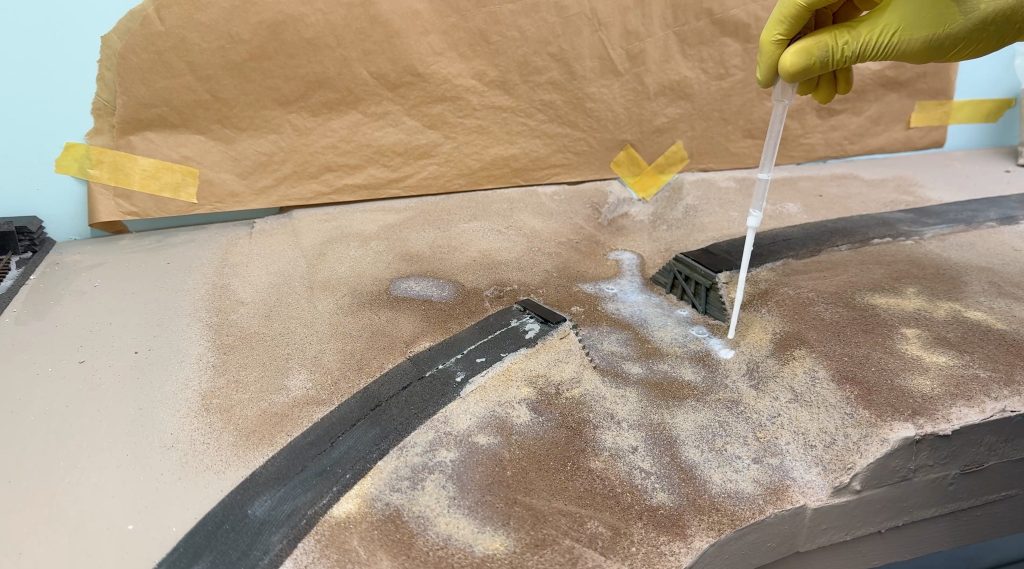
Then, I misted everything again and used a pipette to soak it with diluted matte medium.
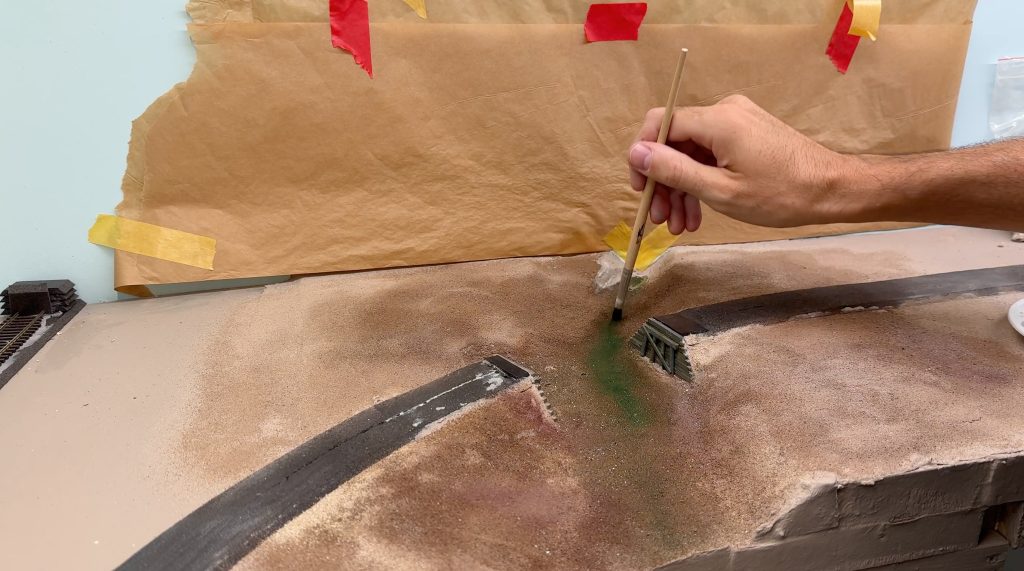
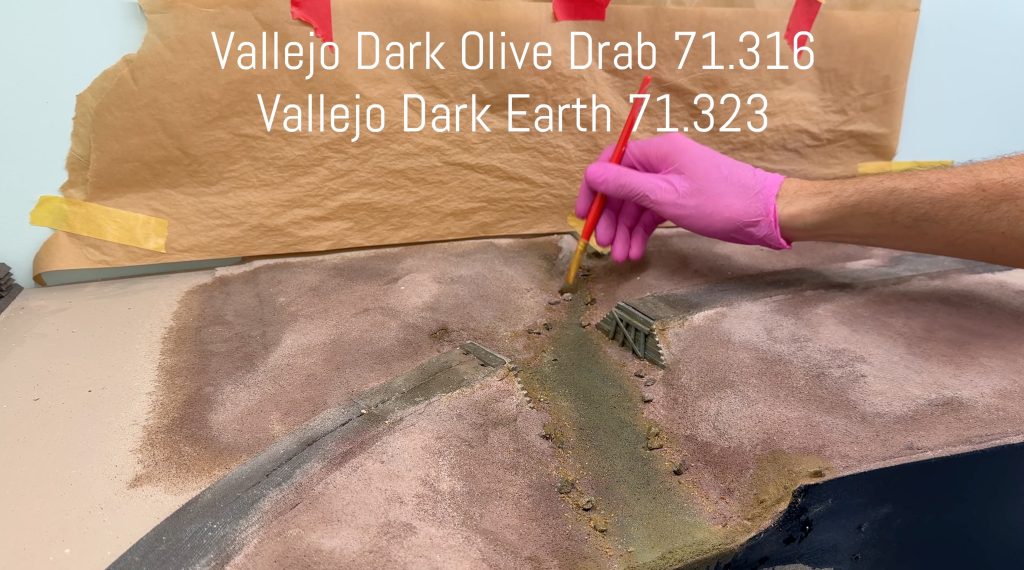
I started painting the river bottom. I used a few different shades of green and brown Vallejo paints.
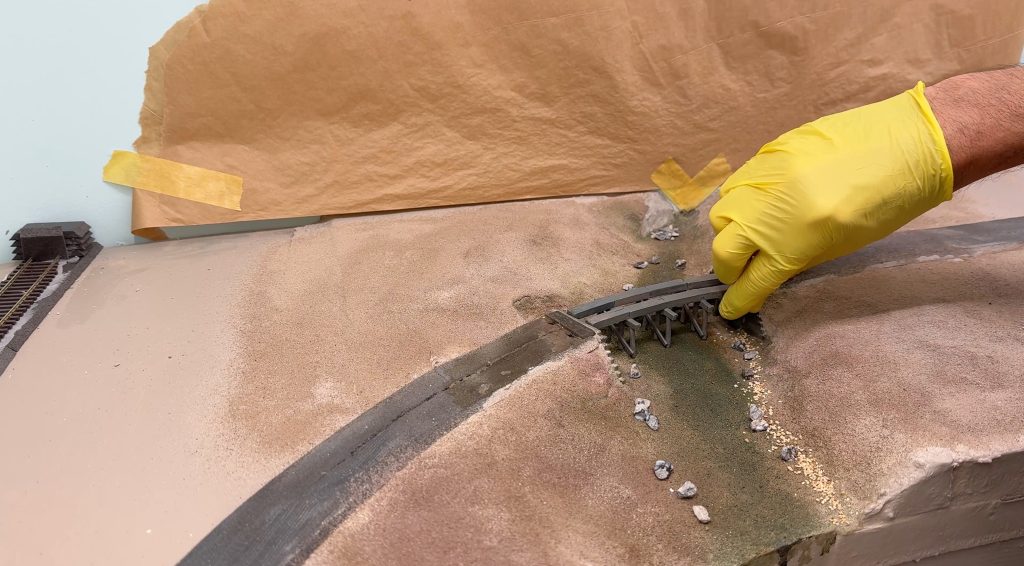
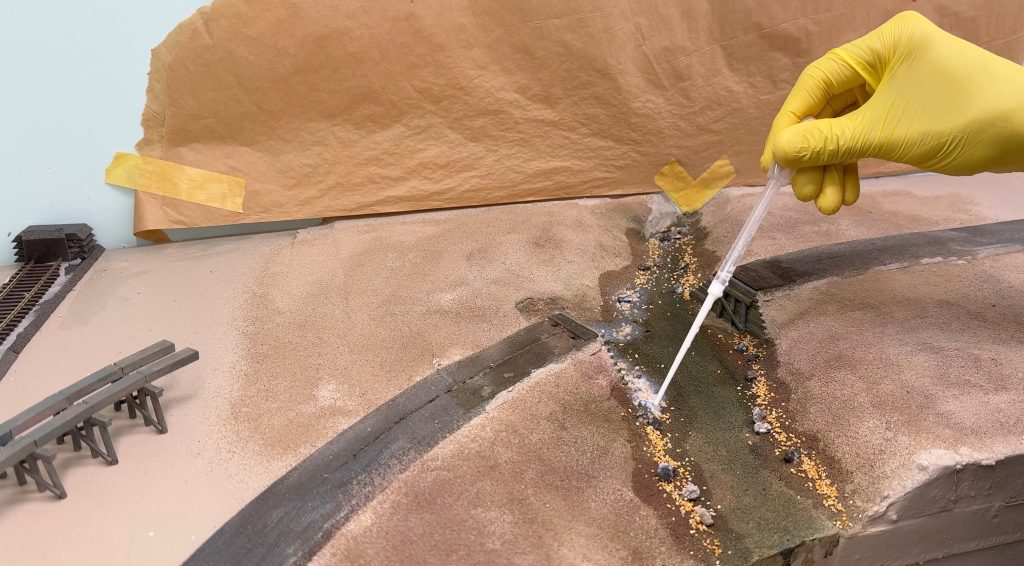
Then, I added a few rocks I collected myself, along with some commercial crushed stone, using matte medium again. I put the bridge back in place to see where not to glue rocks.
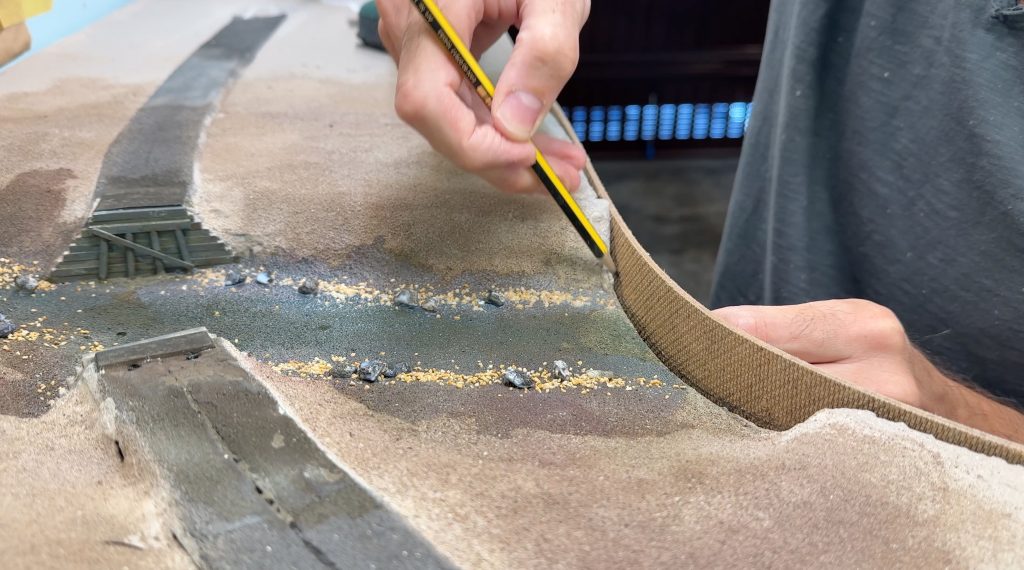
Then, I test-fitted the fascia and marked where I needed to cut.
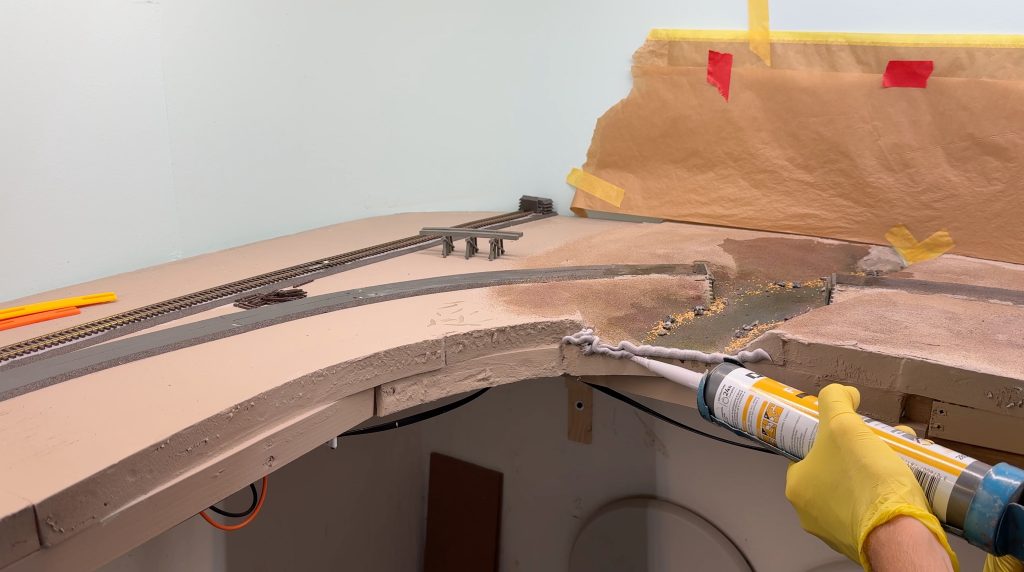
I added some caulk around the river area to seal the fascia and prevent leaks when I pour the resin.
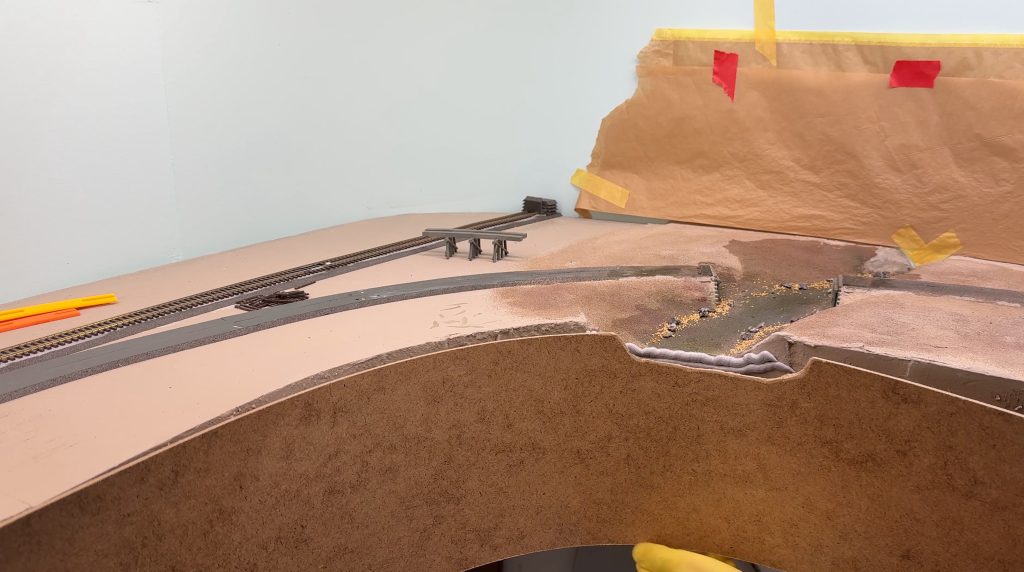
Then, I screwed the fascia in place as usual.
Next, I blended the colors of the different texture layers using grout and a stiff brush.
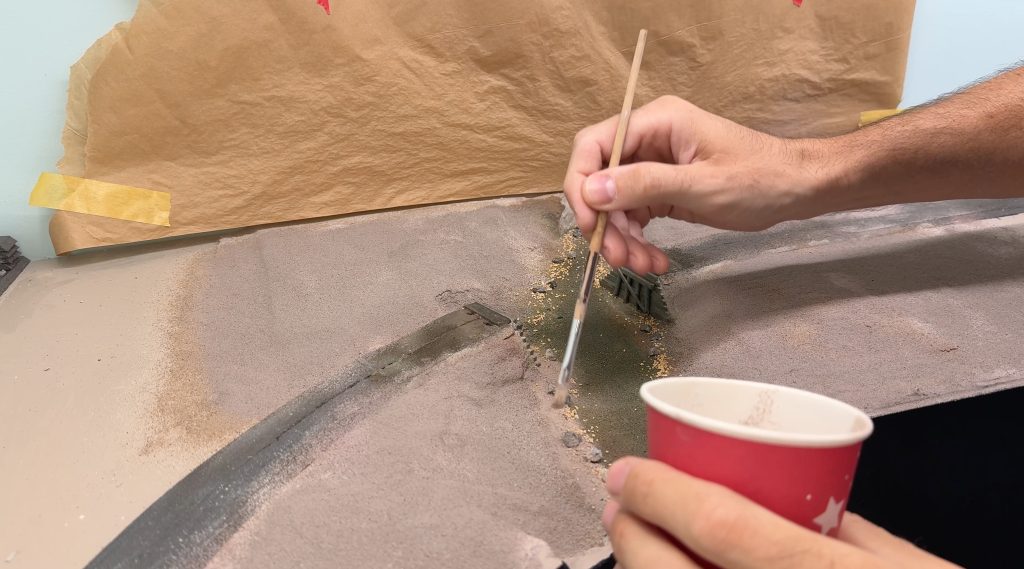
I painted the individual small stones in the middle of the riverbed because they would look odd if I left them unpainted. Then, I misted the area again and added diluted matte medium.
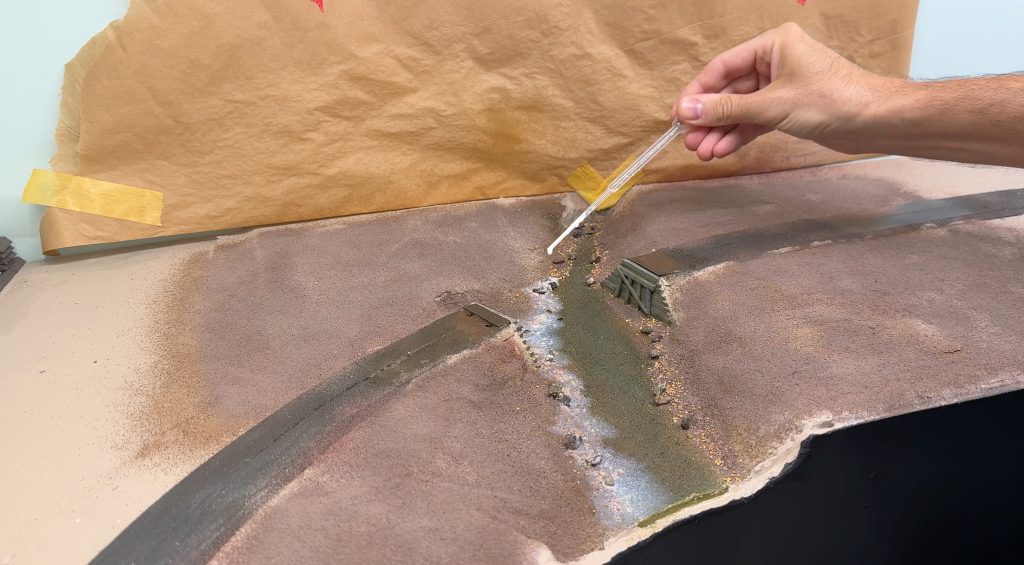
I fine-tuned the colors of the riverbanks by dabbing on some acrylic paint.
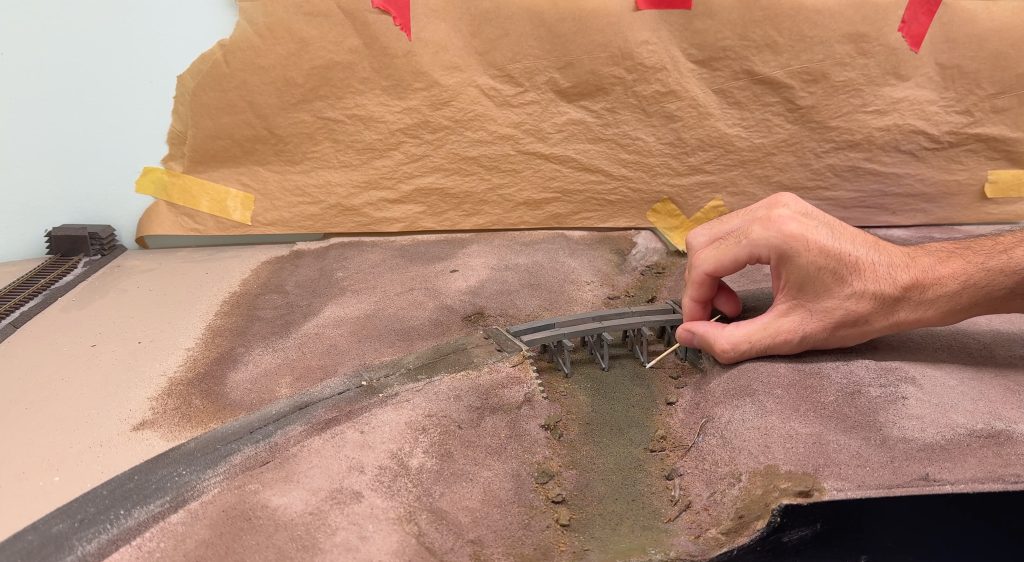
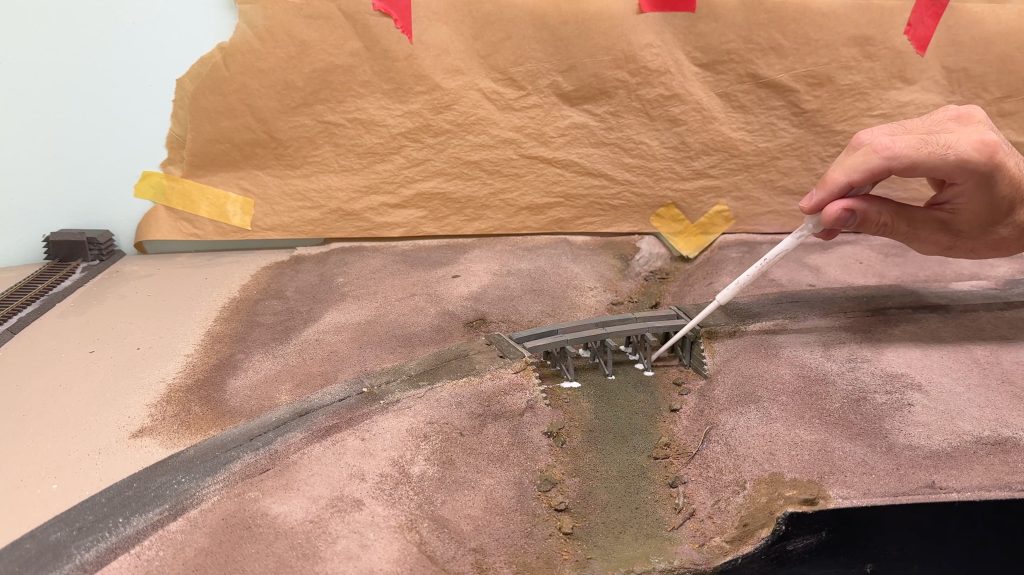
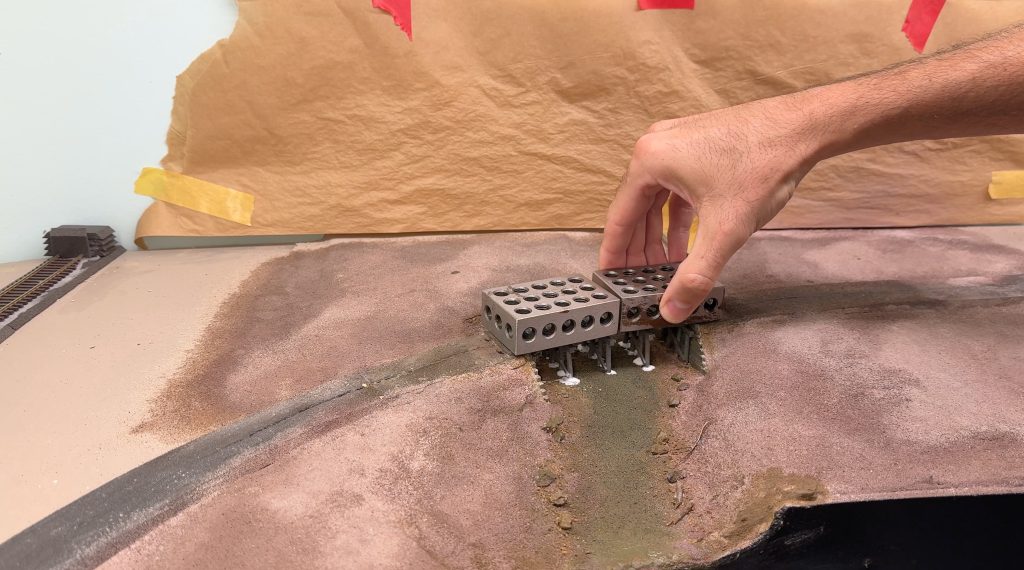
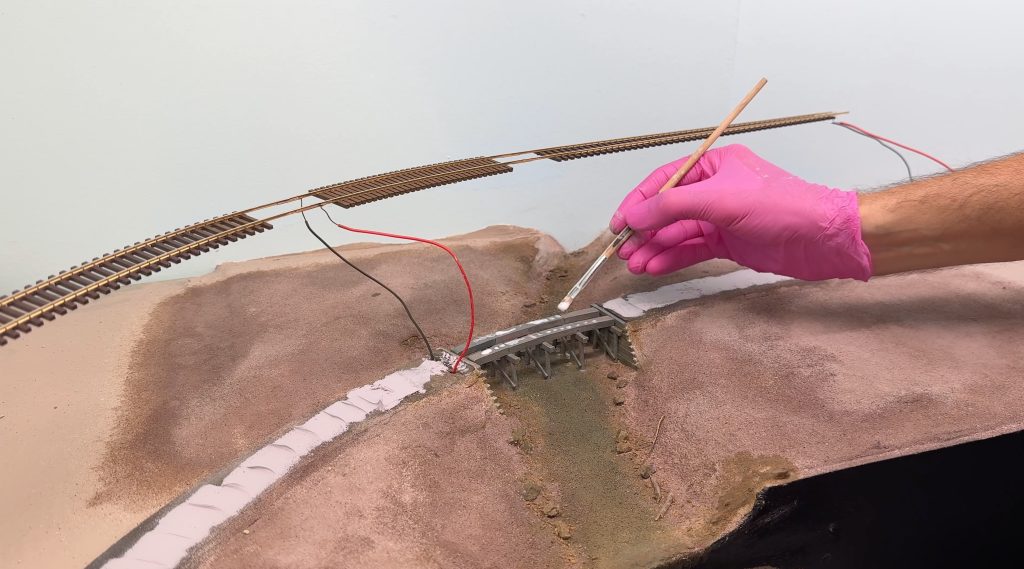
Then, I glued the bridge back in place with matte medium.
The matte medium did not dry perfectly clear, so I touched up the white spots with olive, brown, and green paint. I used the same colors I had already used on the riverbed.
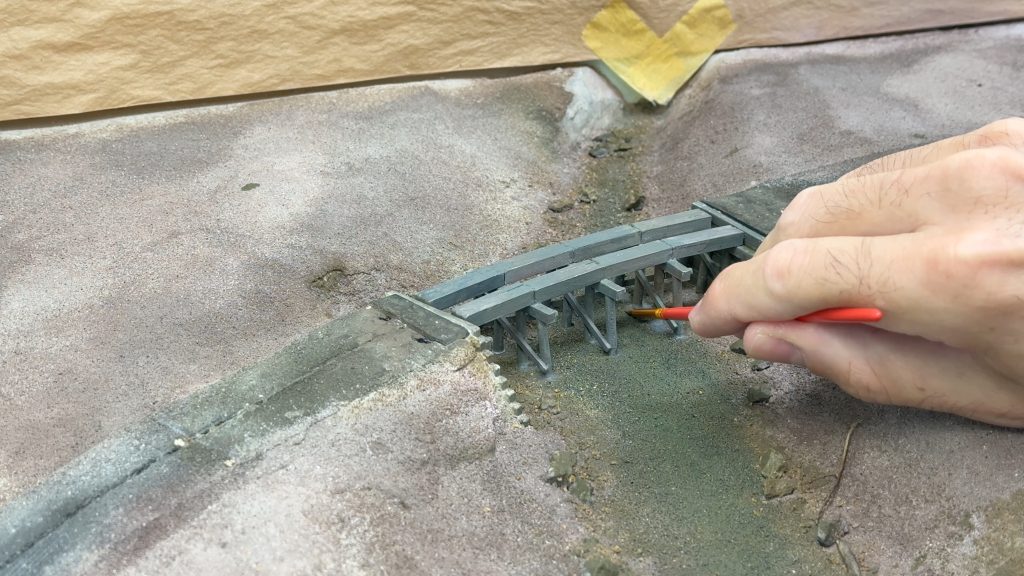
After that, I glued the track down with caulk. I secured the bridge track with a small amount of matte medium.
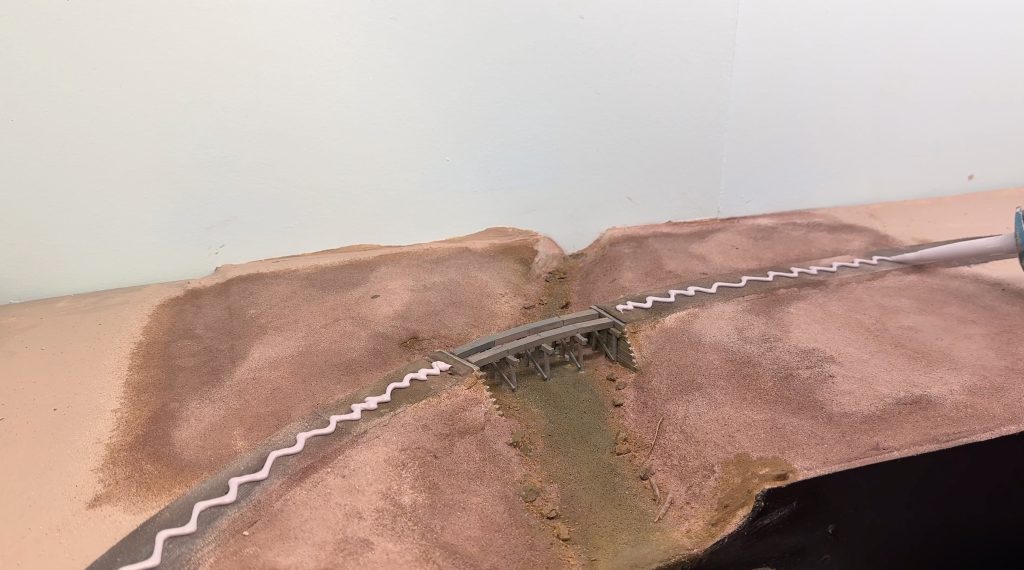
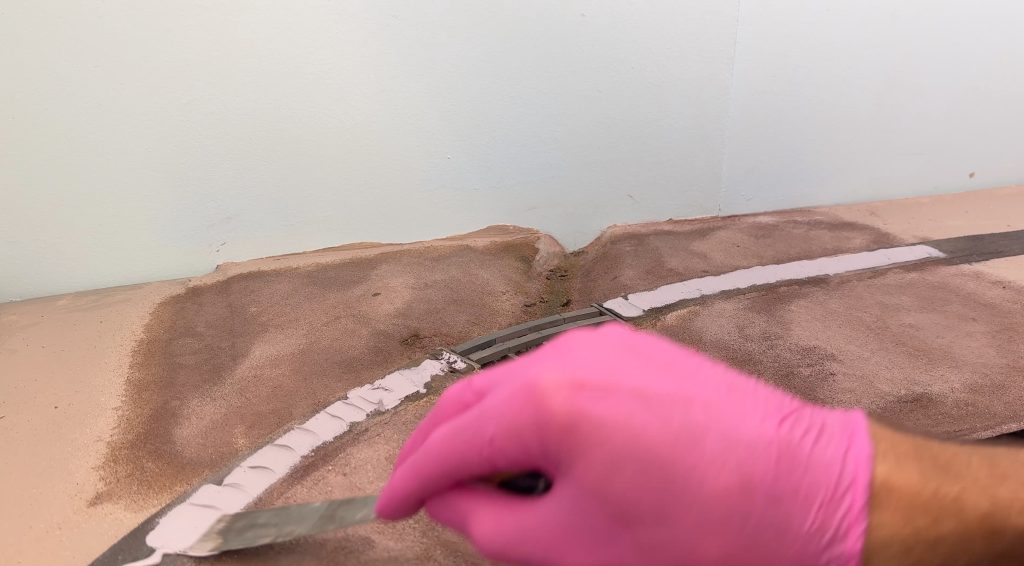
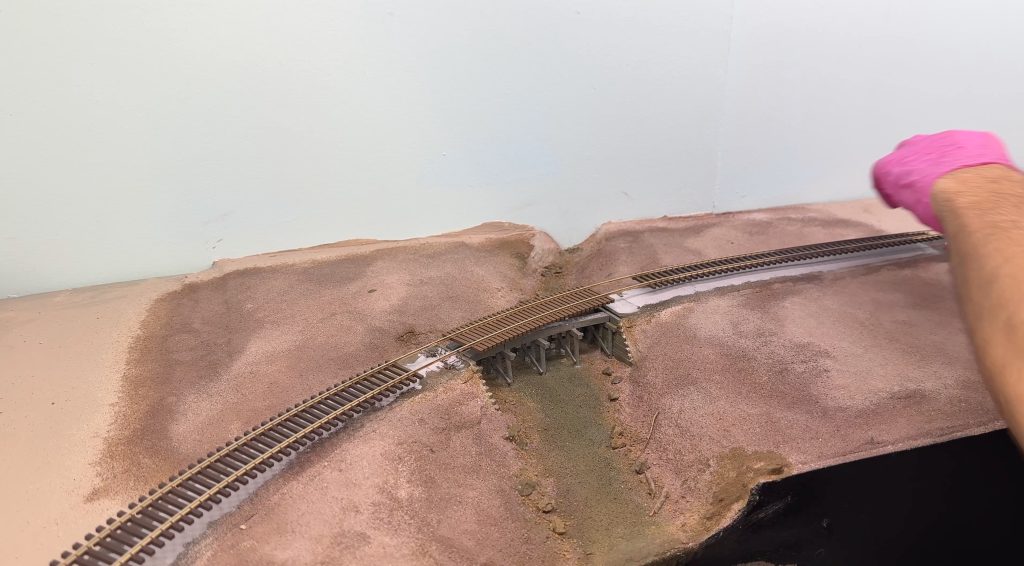
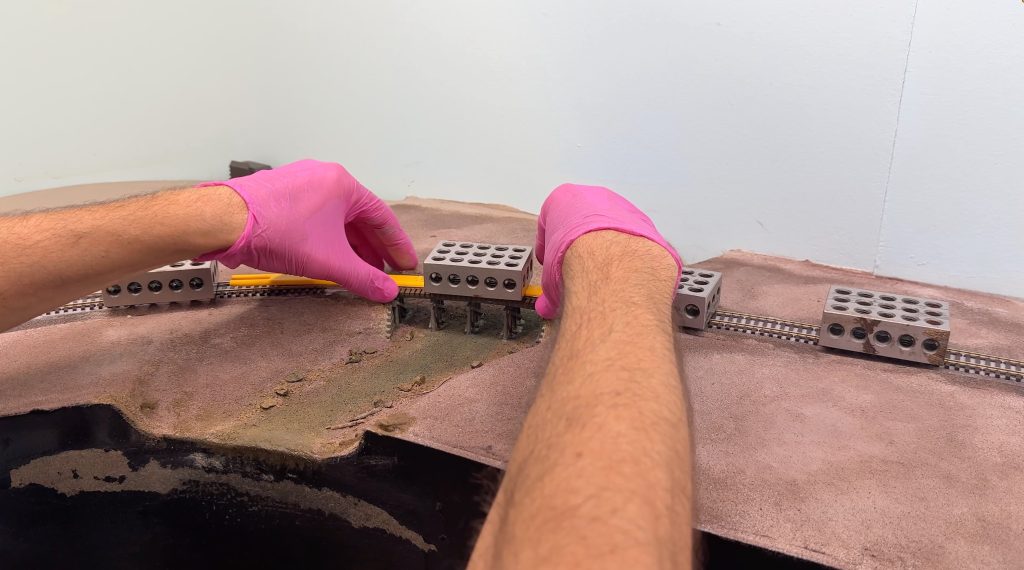
Finally, I held everything in place with metal blocks and let the glue dry.
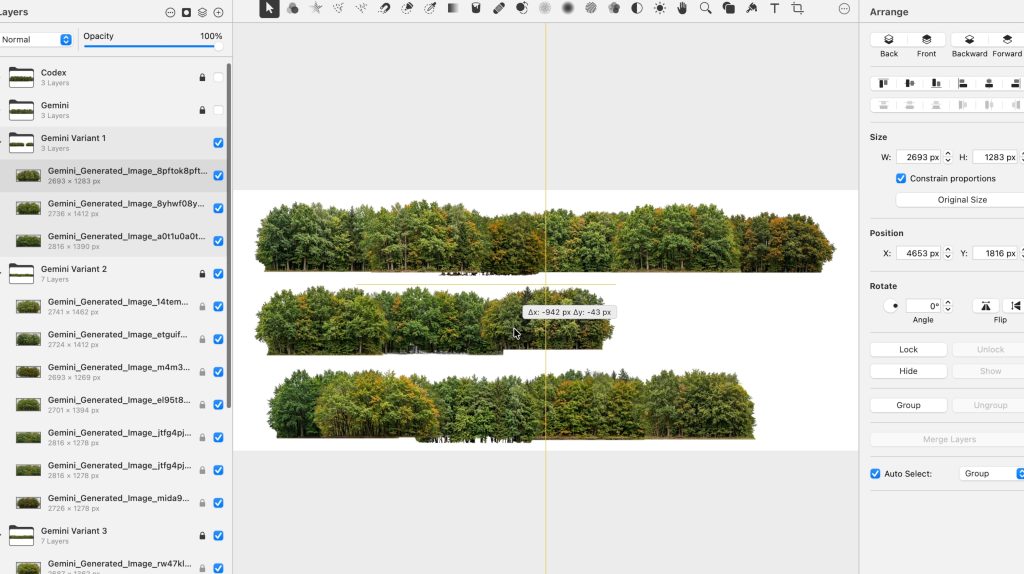
For the backdrop, I opted for a photorealistic solution. I asked AI to generate rows of trees, then stacked different images to create more density until I was happy with the result. I used Pixelmator Pro for this.
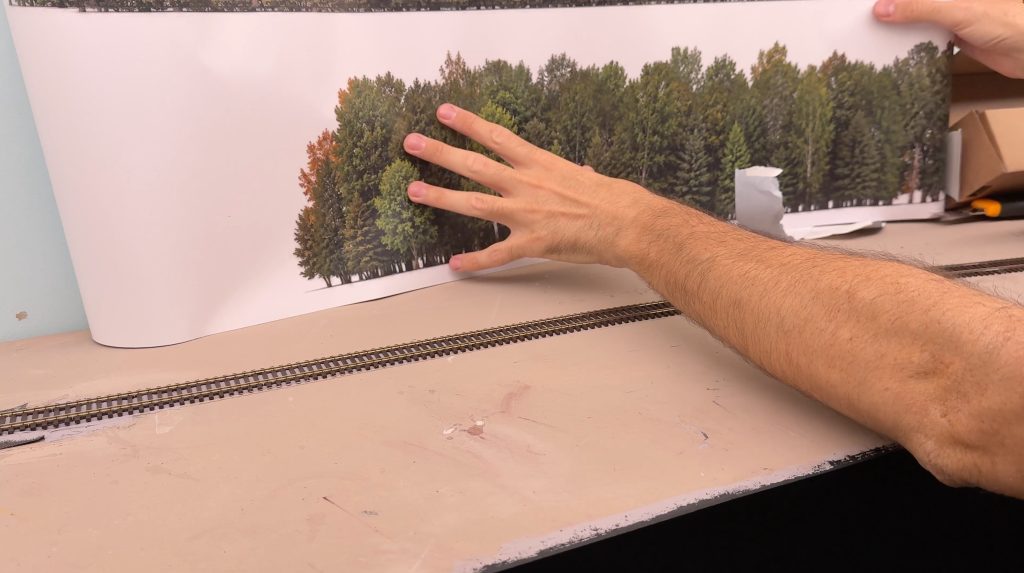
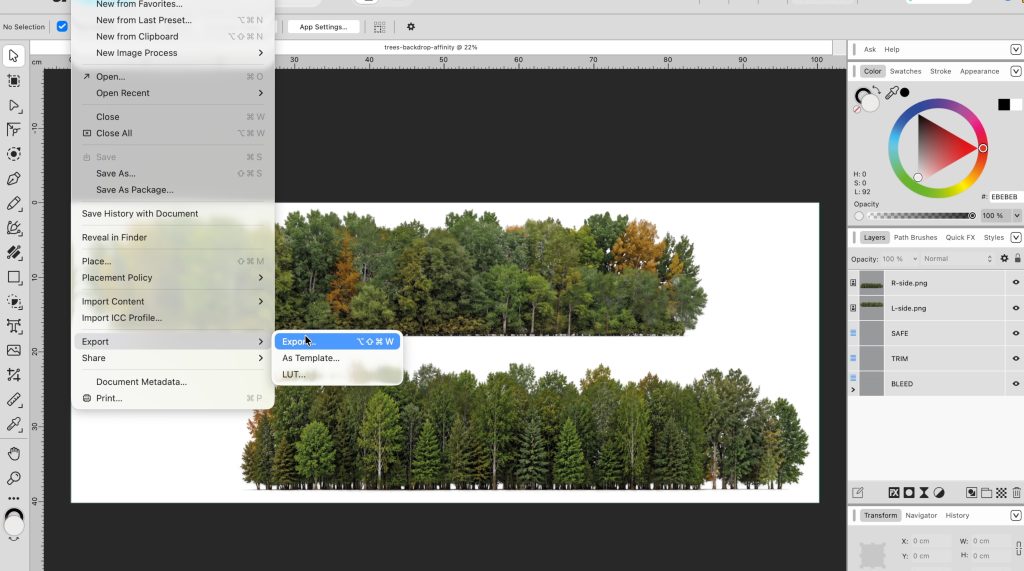
Then, I created a printable PDF using the free Affinity software and had the images professionally printed on a self-adhesive PVC sheet.
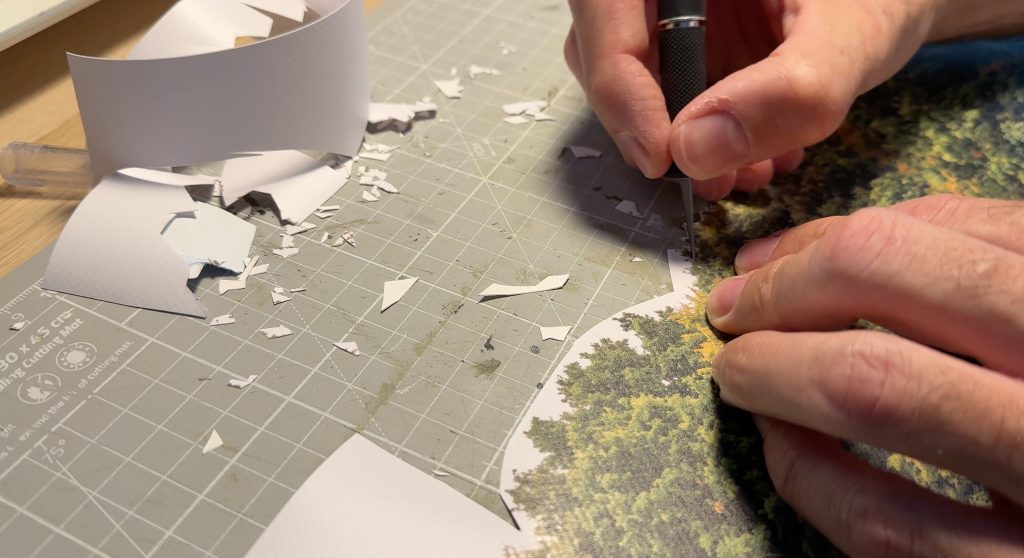
I carefully cut out just the trees with a hobby knife. This was an incredibly tedious job. Finally, I glued the background trees to the backdrop. I’m very pleased with the result.
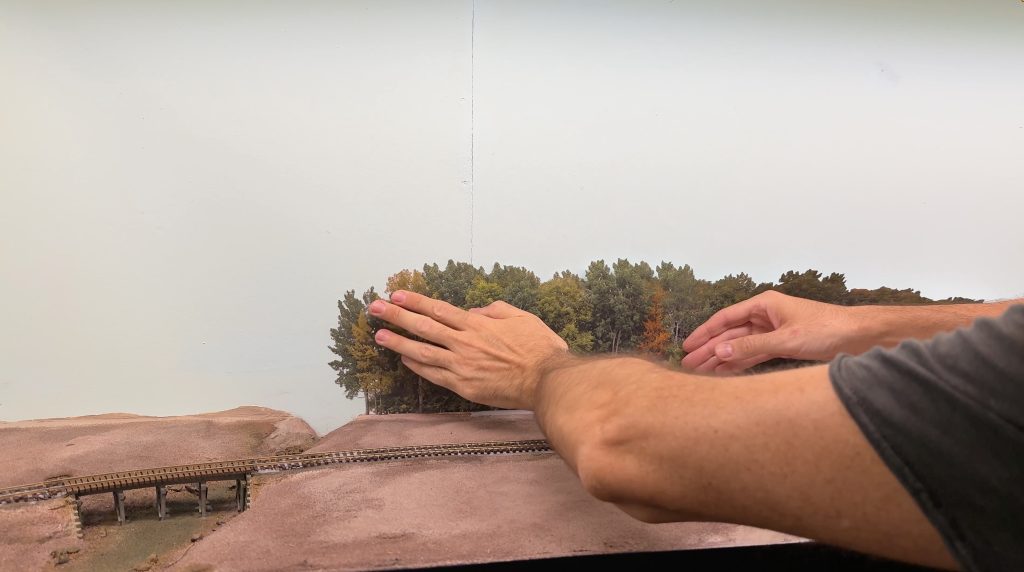
Then, I repeated the process on the other side of Buffalo Creek. In front of the backdrop trees, I’ll plant HO scale trees to give the scene a 3D look.
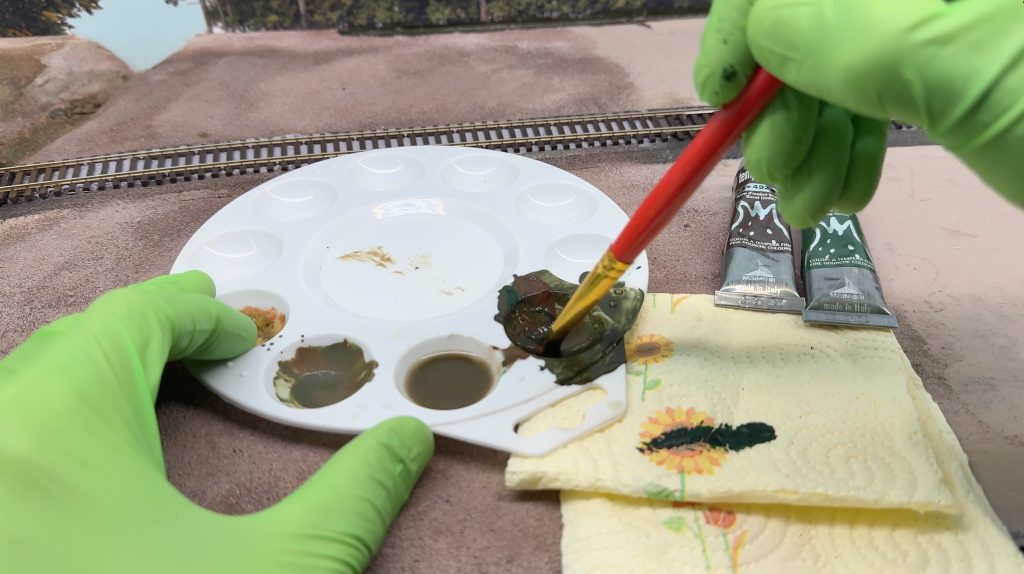
With some brown and dark green gouache, I painted the gap between the terrain and the backdrop.
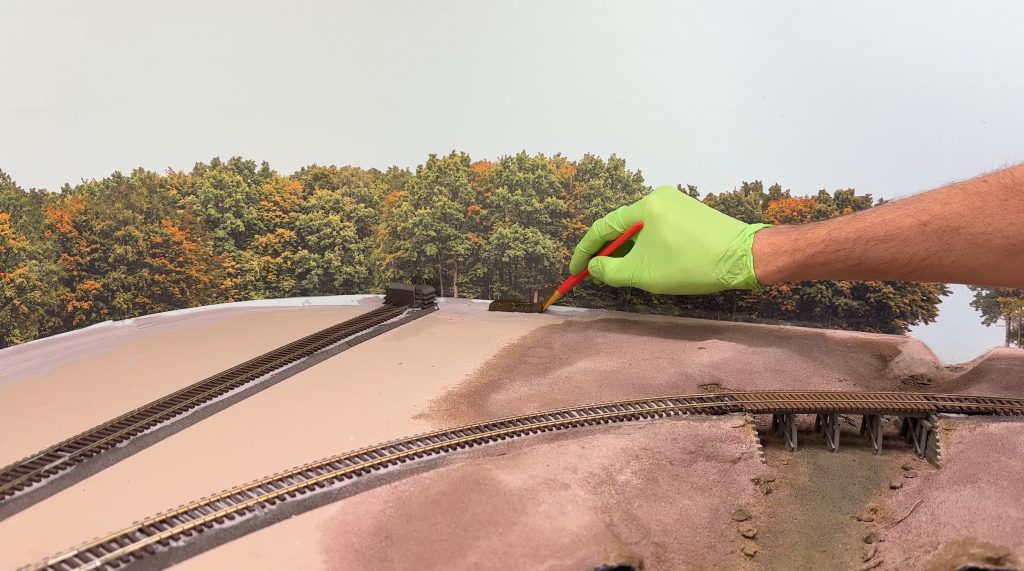
I’ll cover that area with bushes and trees, but if I miss any spots, the blue sky won’t show through.
I purchased a few products from Martin Welberg Scenic Studios. Martin makes extremely high-quality scenery products, and his YouTube channel shows how to use them.
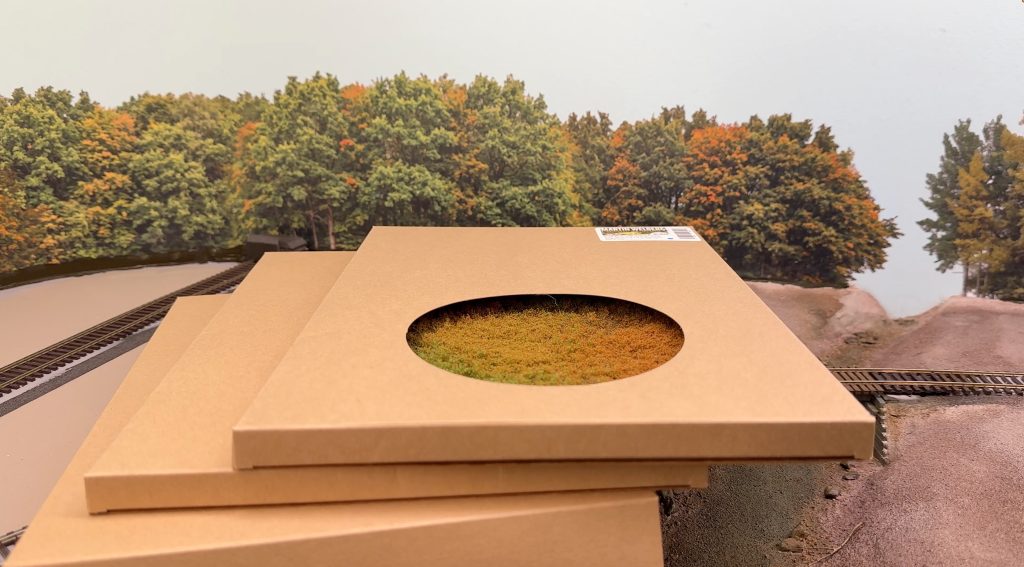
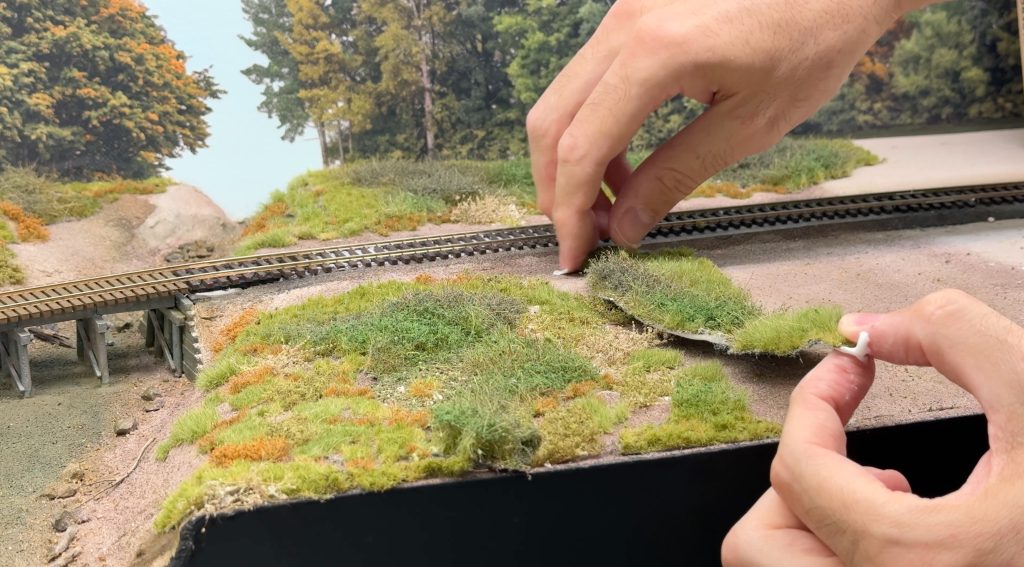
Once removed from its paper backing, the grass mat should be torn into pieces and used randomly. To glue the pieces, I used quick-setting wood glue. It’s tacky enough, and it dries quickly and clear.
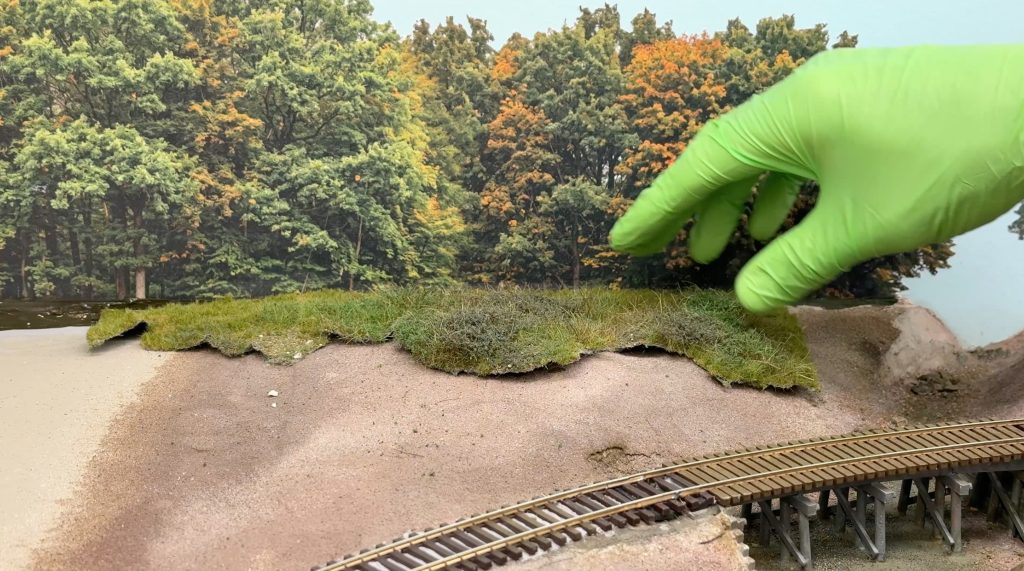
Once in position, the pieces need to be burnished along the edges so they stick to the terrain without leaving gaps.
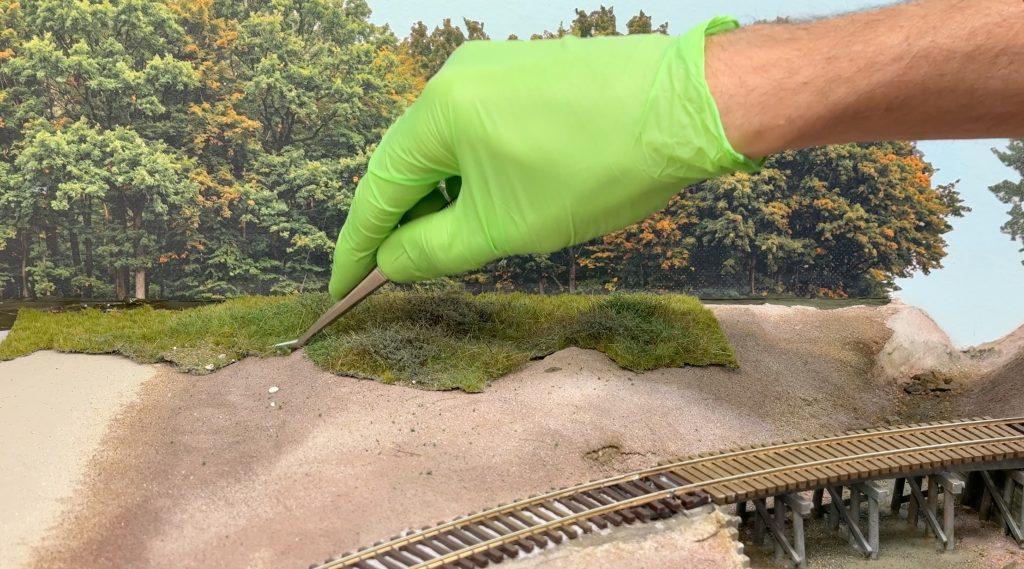
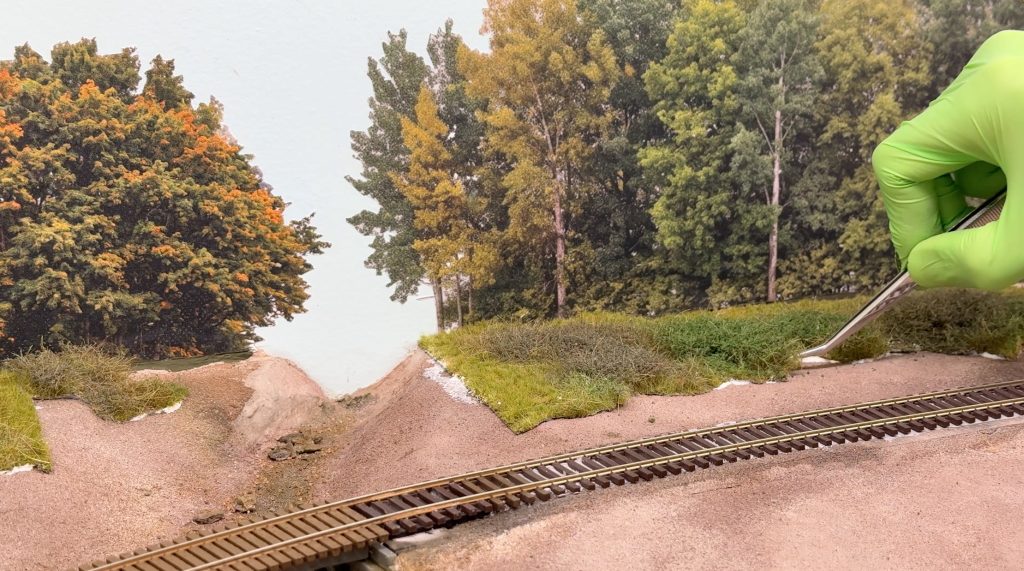
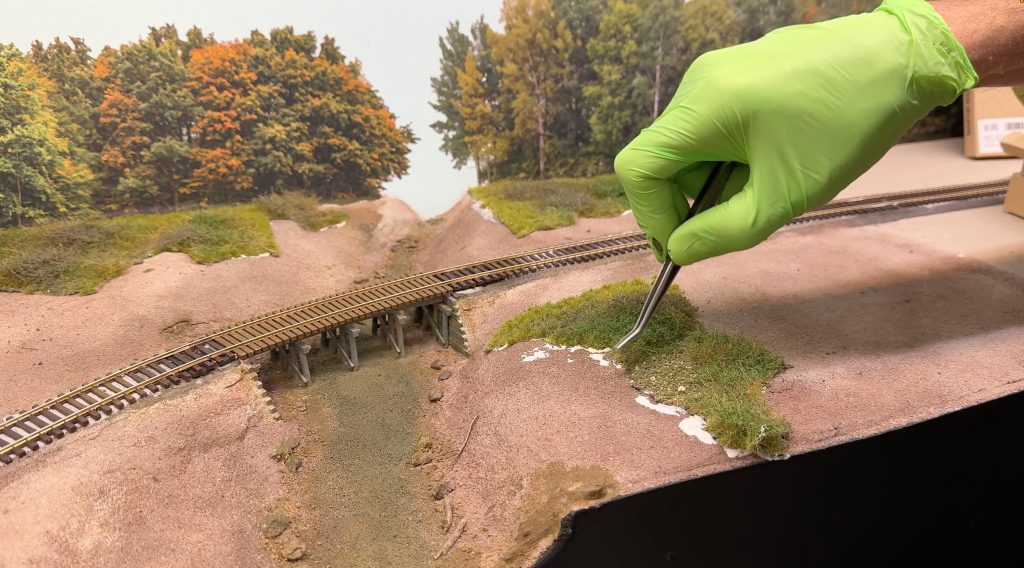
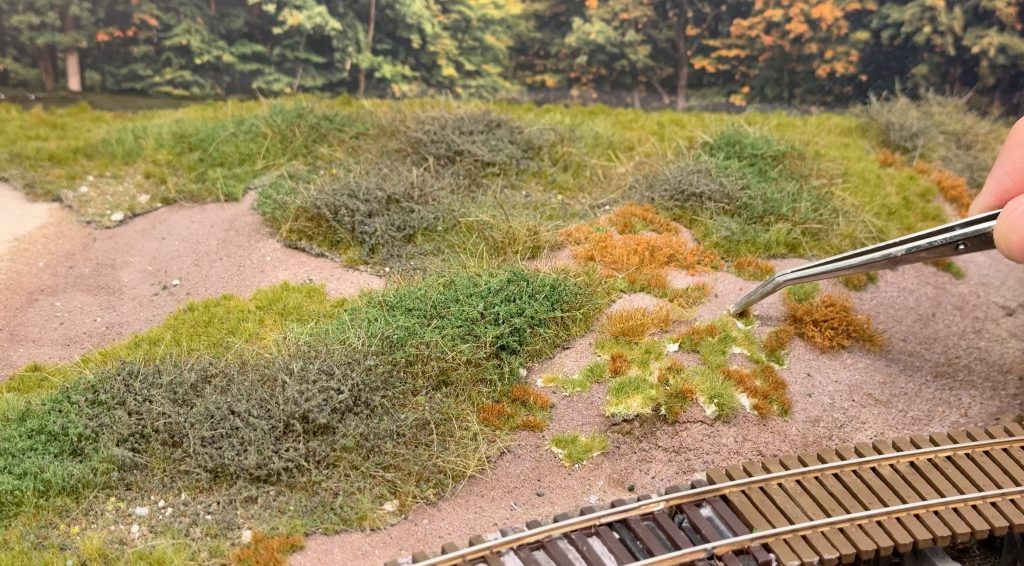
Then, I used tufts to fill various spots and add some variety.
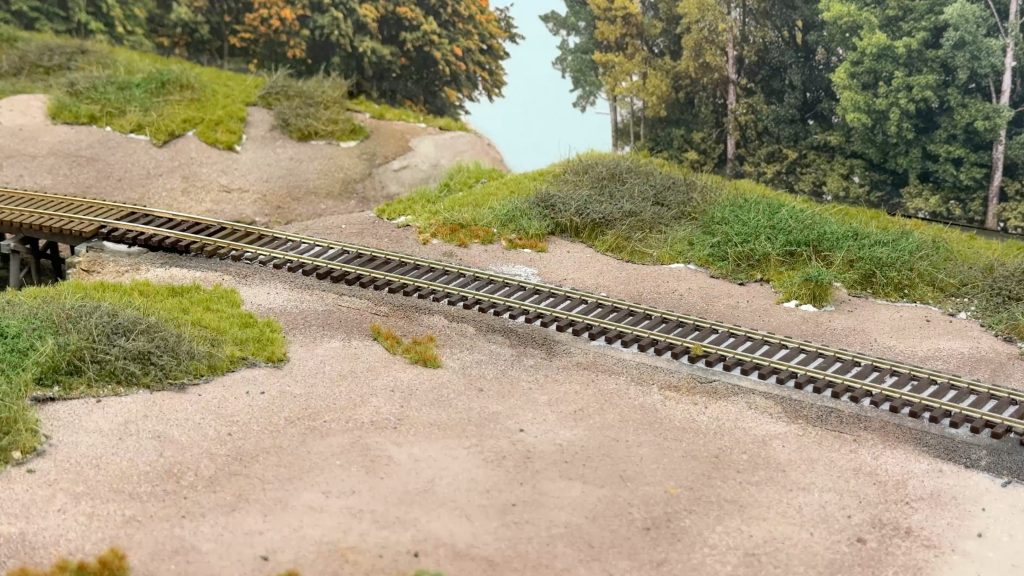
I also used weeds and other types of low bushes to add visual interest and realism.
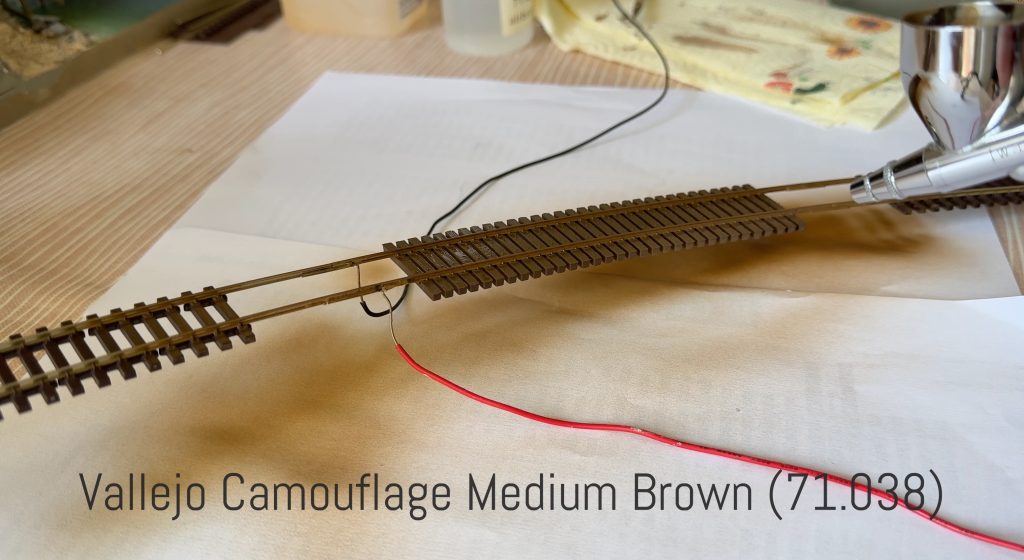
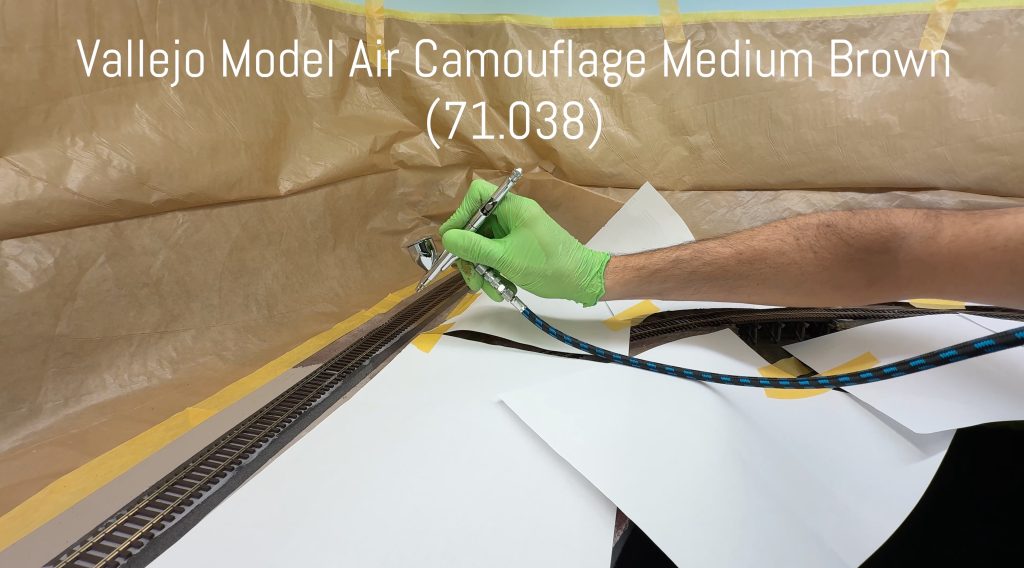
I spray-painted the rails and ties with Vallejo Camouflage Medium Brown.
Peco Streamline Code 70 turnout points don’t rely on contact with the stock rail for electrical continuity, so I can safely paint them without masking anything.
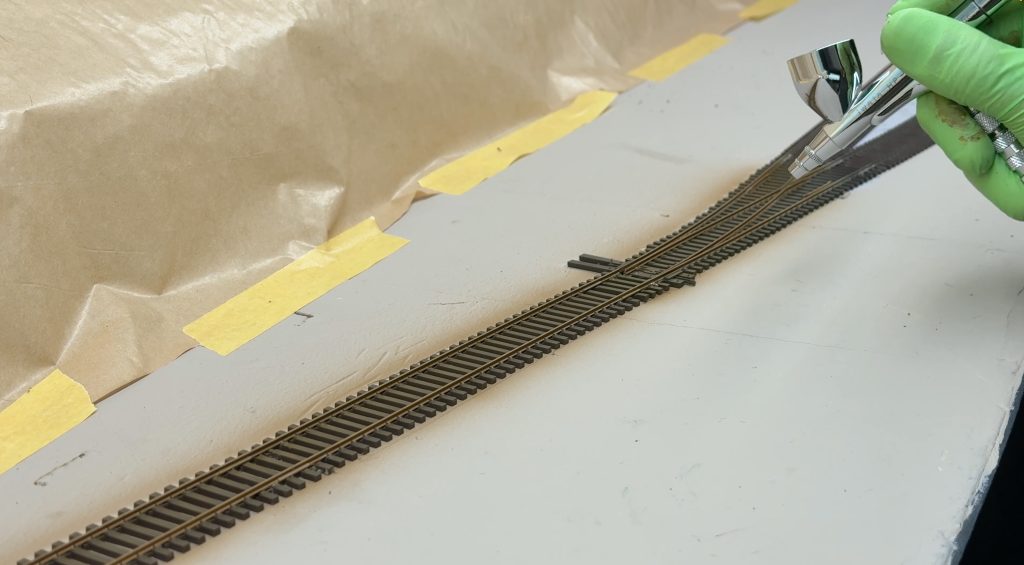
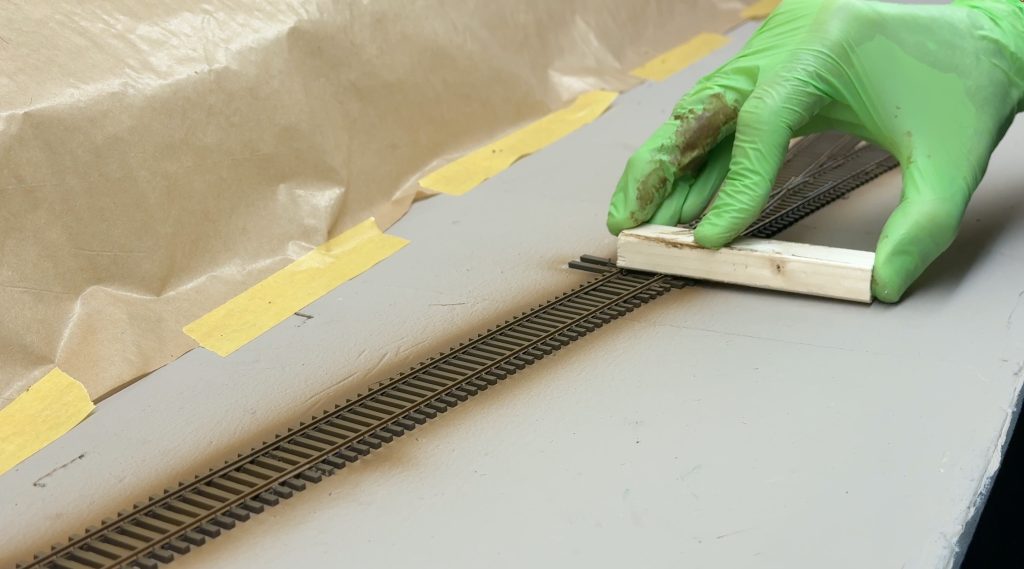
While the paint was still wet, I removed it with a block of wood to avoid scratching the tops of the rails.
Then, I added some low bushes to hide the area where the backdrop meets the subroadbed.
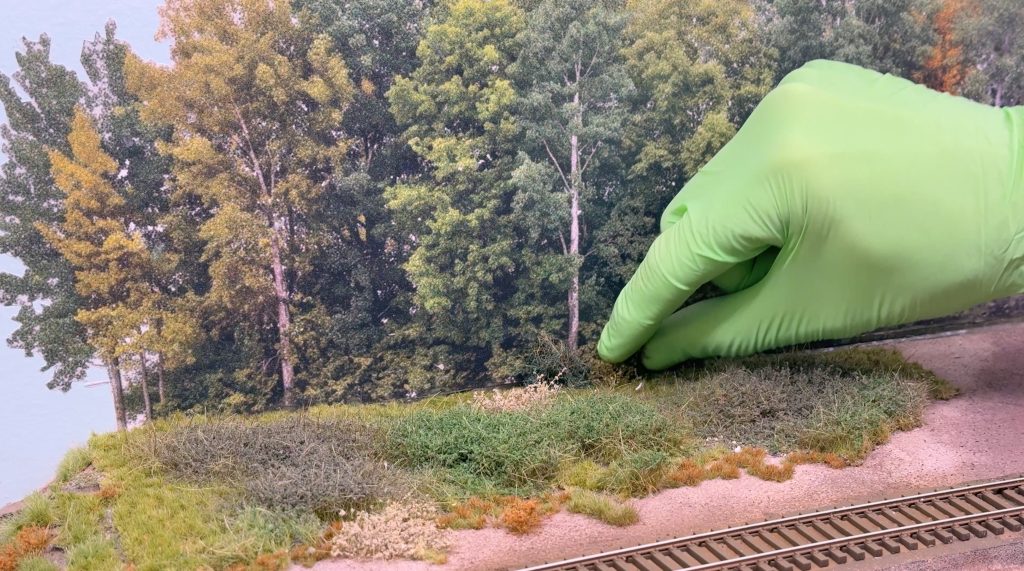
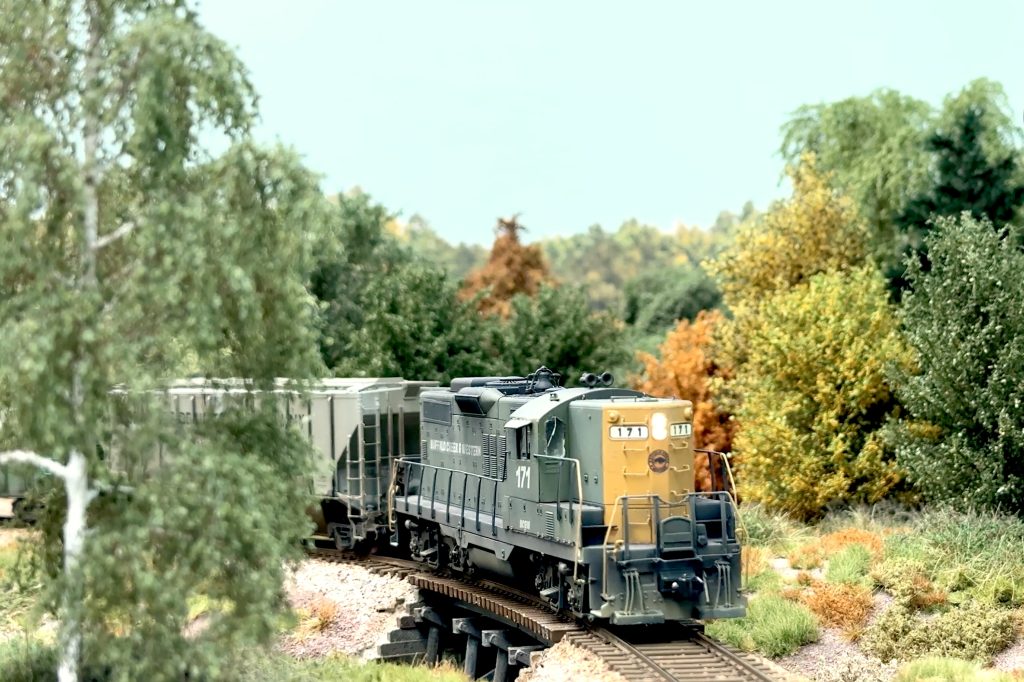
After that, it was time to plant some trees. I use MBR trees. They’re made in Poland, and they look just amazing.
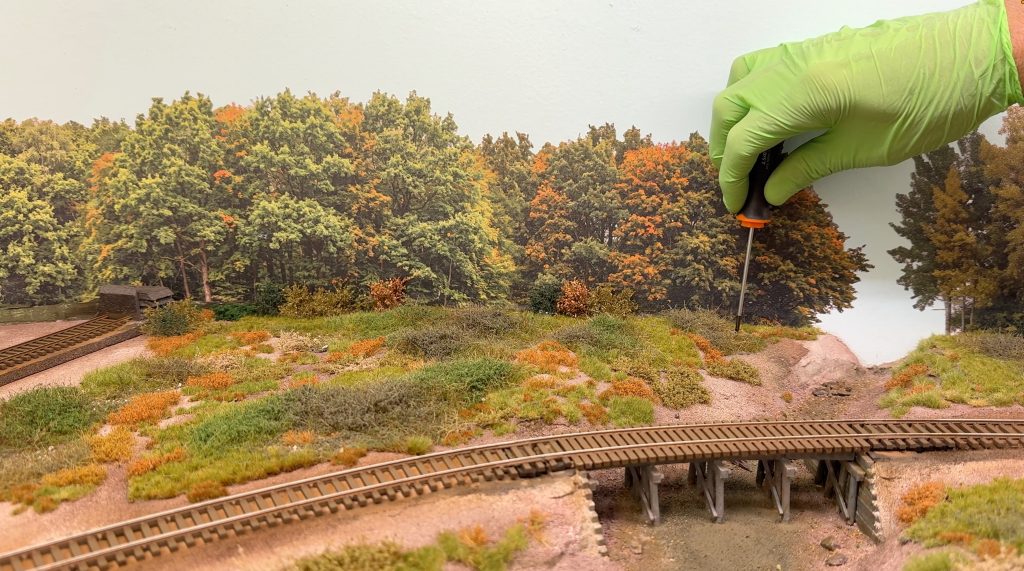
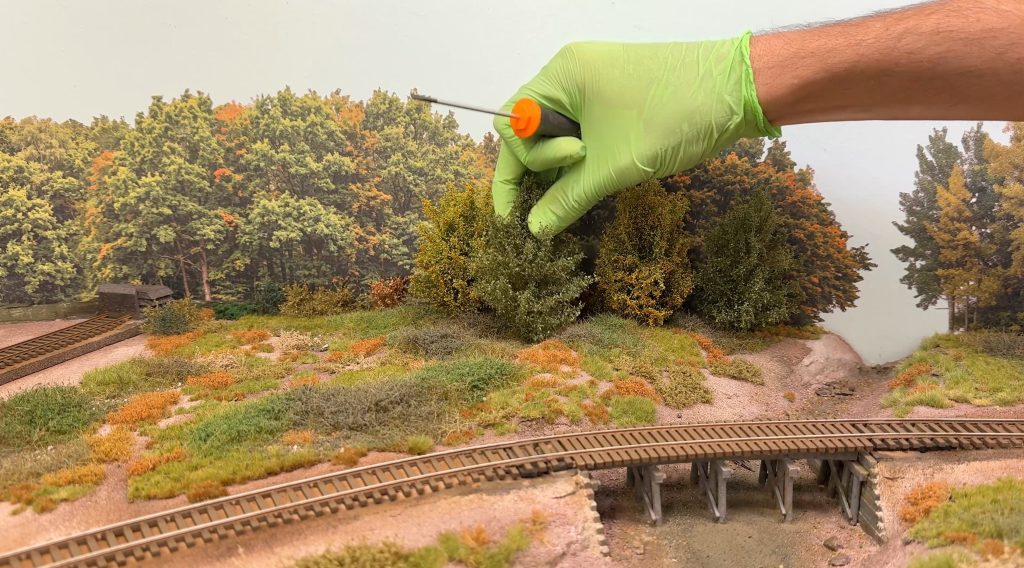
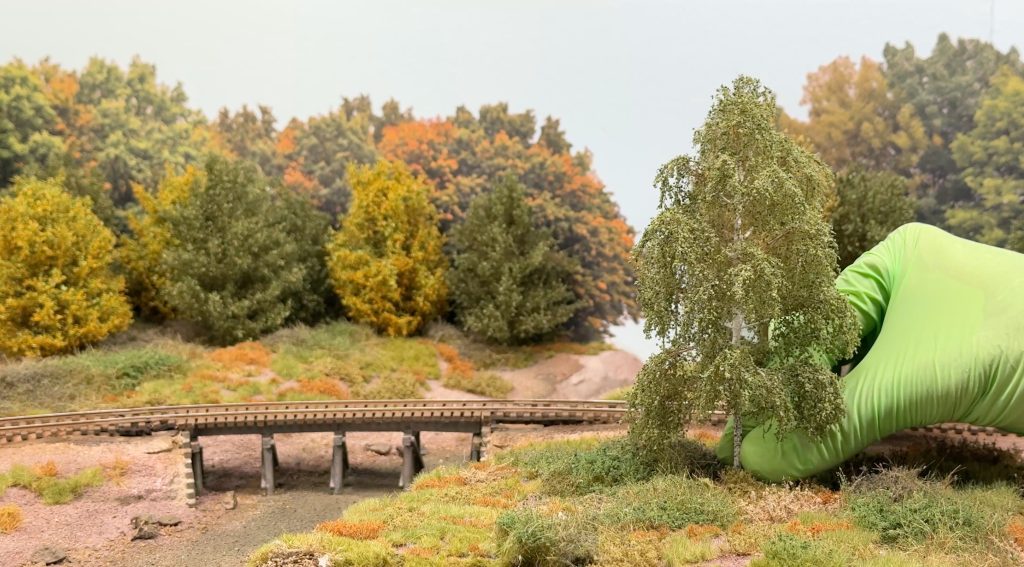
As usual, you can never have too many trees on a layout. For this scene alone, I basically ran out of medium-sized deciduous trees.
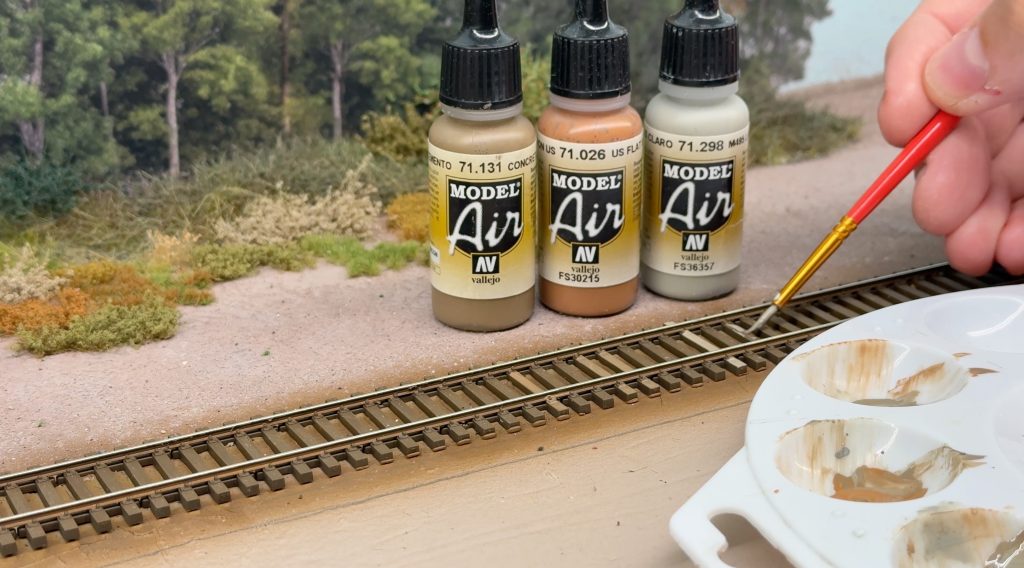
I painted a few ties in grayish colors. I mixed Concrete, Light Gray, and Flat Earth, then thinned the paint before applying it randomly to the ties.
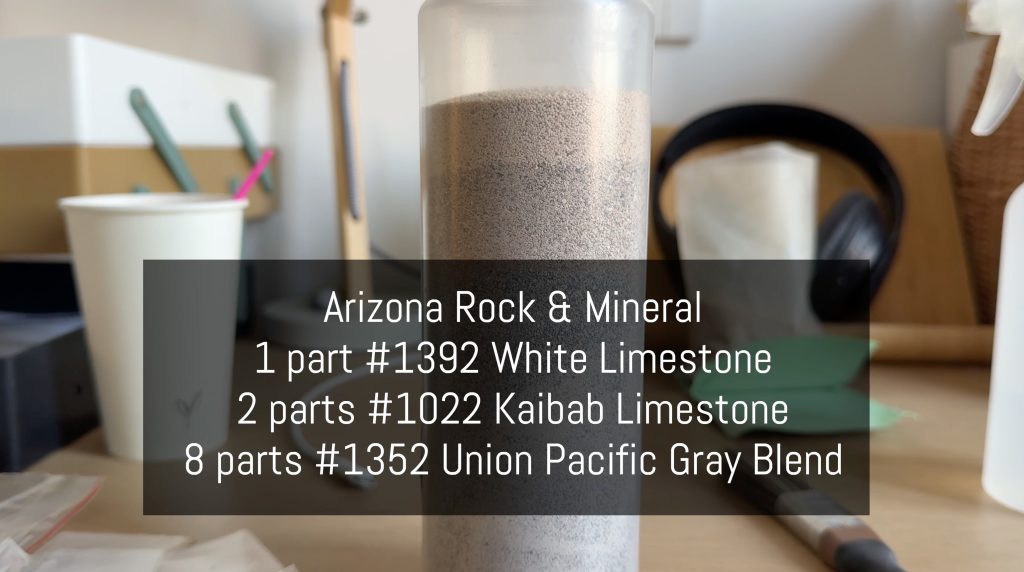
For ballasting, I used Arizona Rock & Mineral HO scale ballast. This is my mix:
- 8 parts ARM 1352 Union Pacific Gray Blend
- 2 parts ARM 1022 Kaibab Limestone
- 1 part ARM 1392 White Limestone
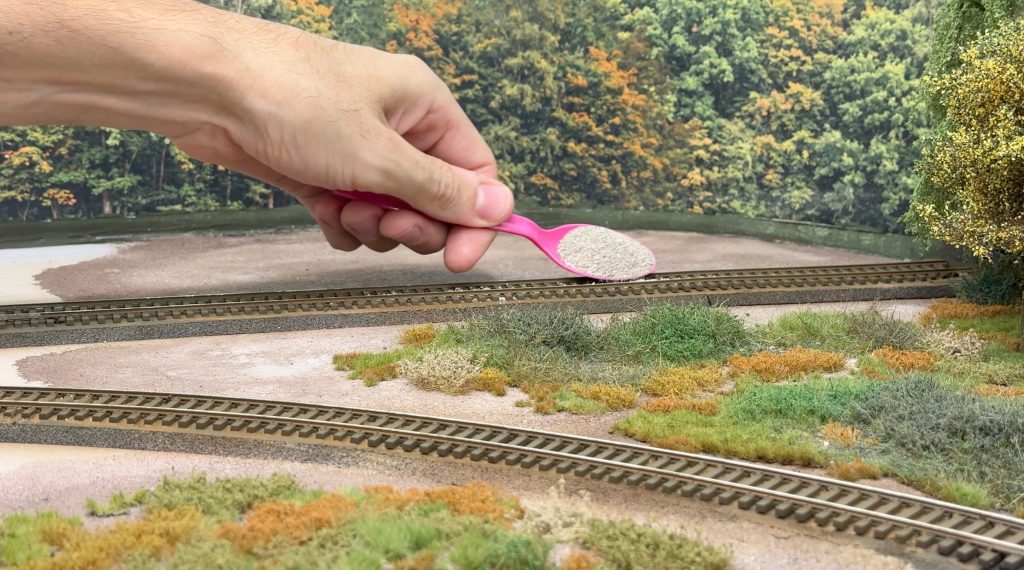
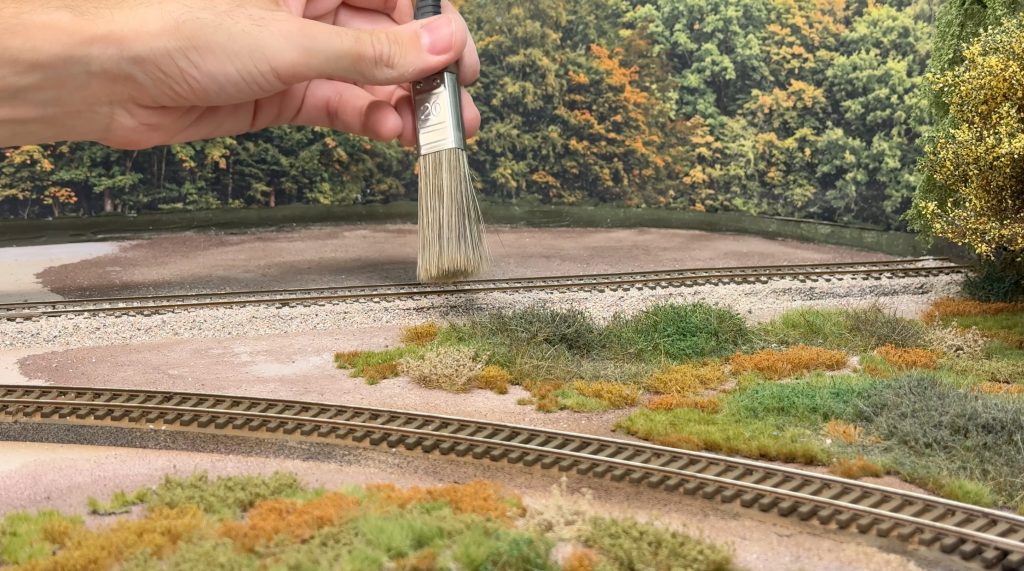
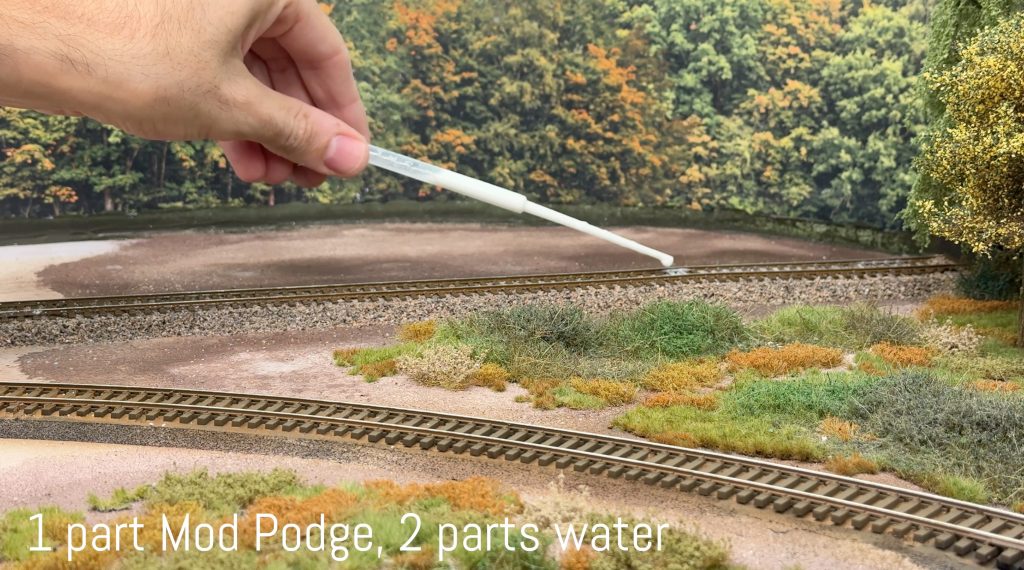
The ballasting technique is nothing fancy: the usual spoon distribution, a soft paintbrush to spread the ballast along the ties, misting with water and alcohol, and diluted Mod Podge to glue it all down.
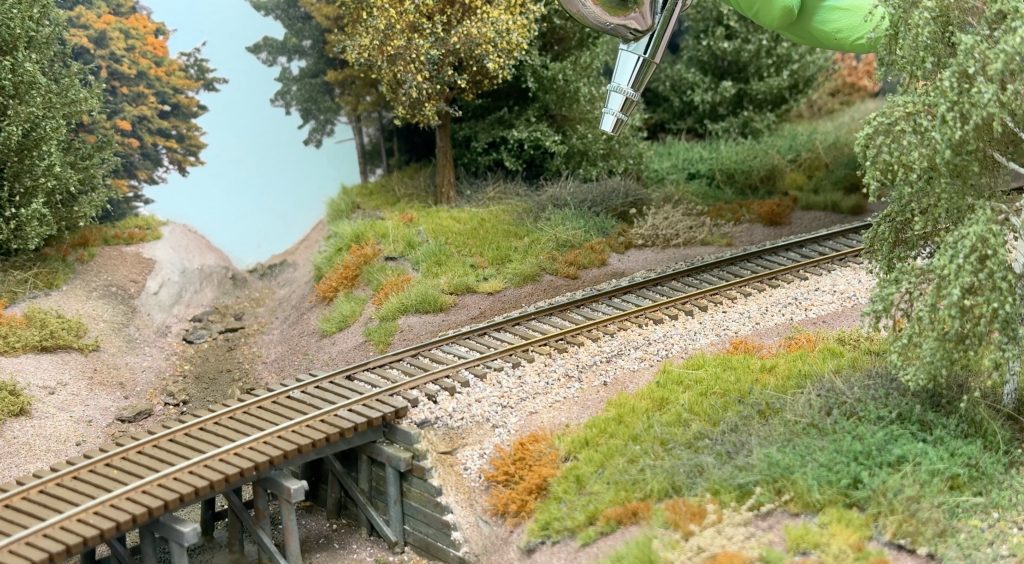
As a final touch, I weathered the ballast by airbrushing some diluted Camouflage Medium Brown over the rails.
I added a dam by screwing a piece of clear plastic to the fascia. For extra safety, I added some acrylic caulk in case of any leaks. Then, I mixed the two-part epoxy resin in a 1:1 ratio.
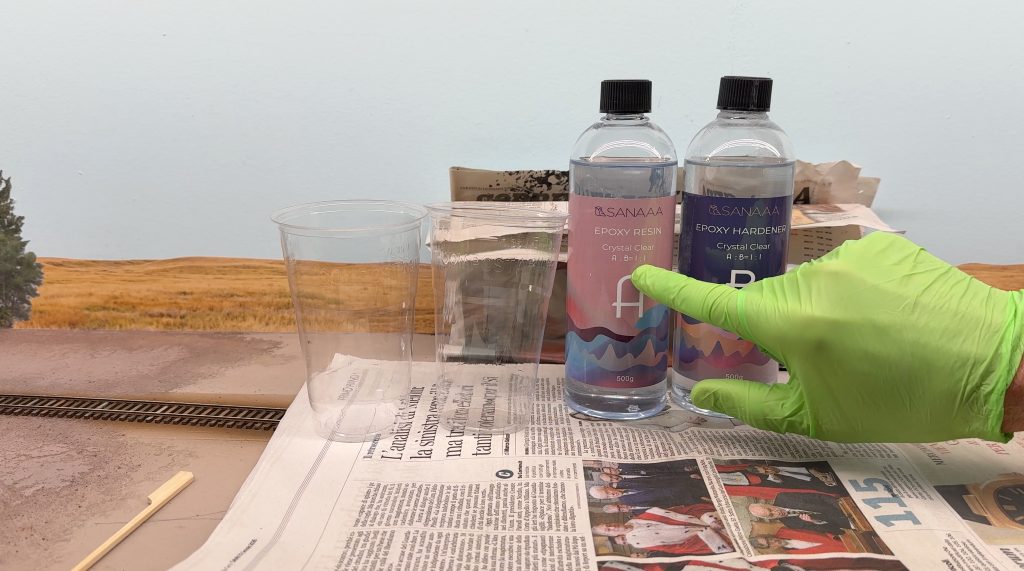
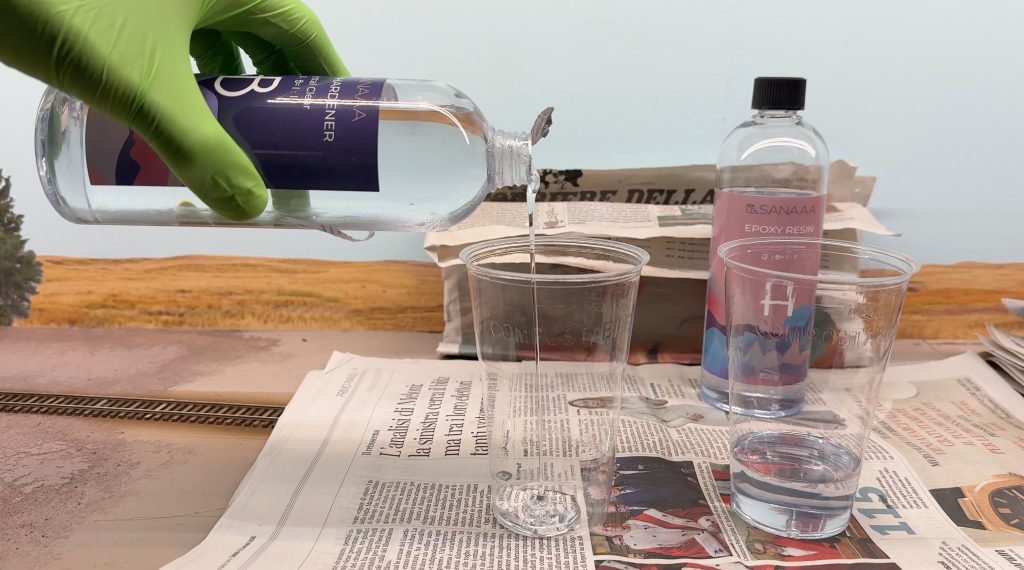
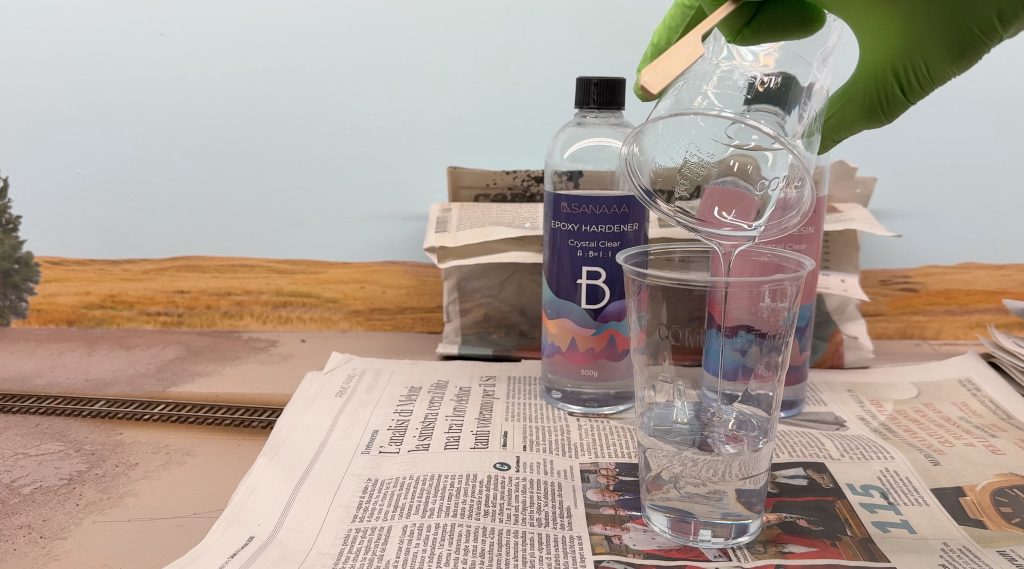
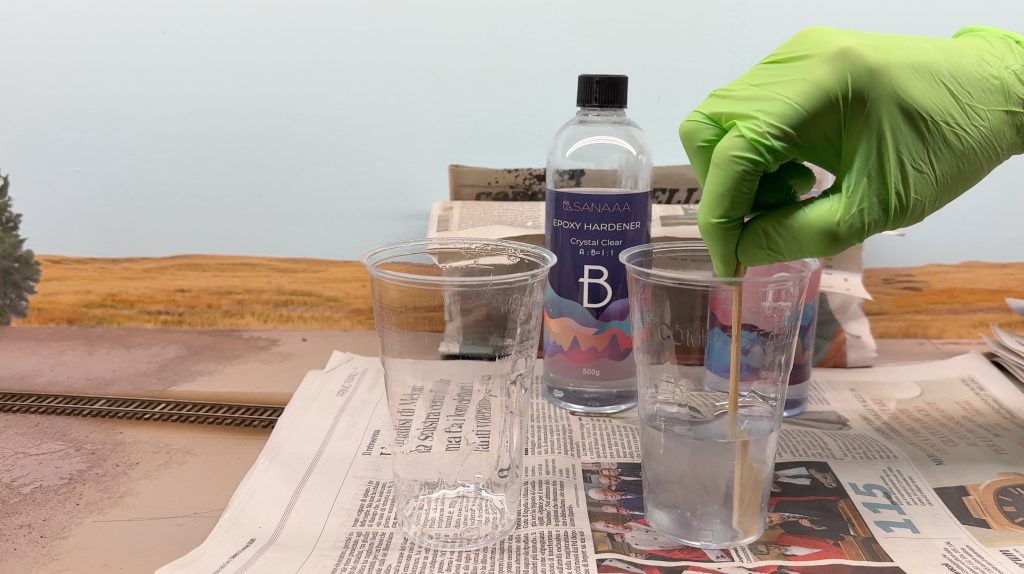
I added a few drops of Vallejo Dark Earth and Green Gray. I let the resin sit for a few minutes so most of the bubbles could escape naturally.
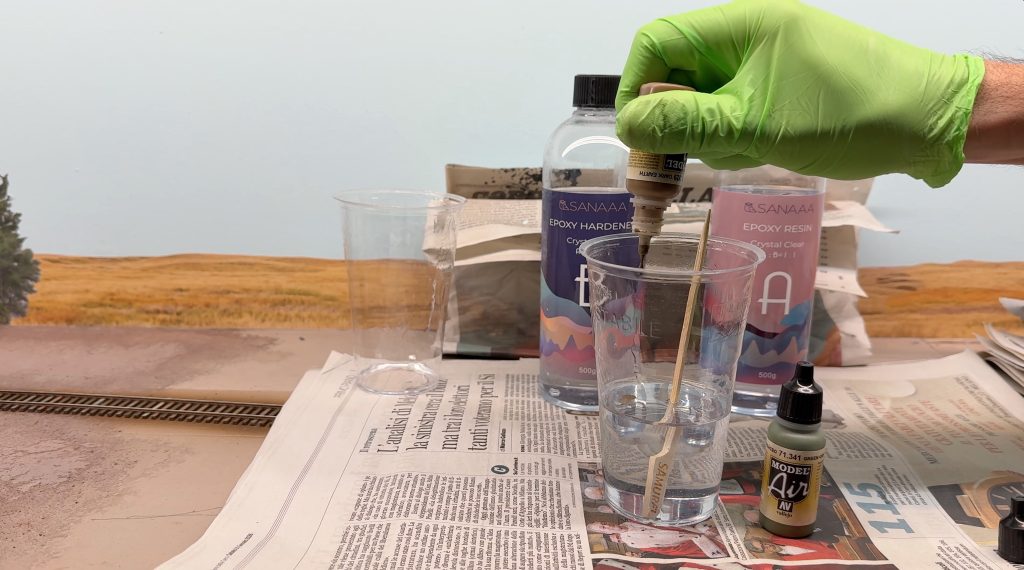
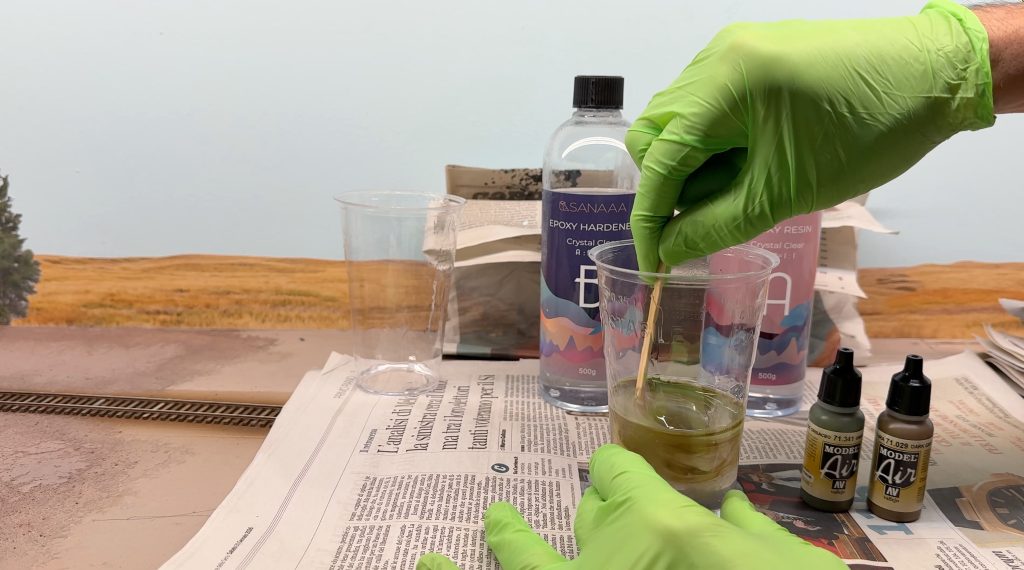
Then, I poured the resin. One layer proved to be enough.
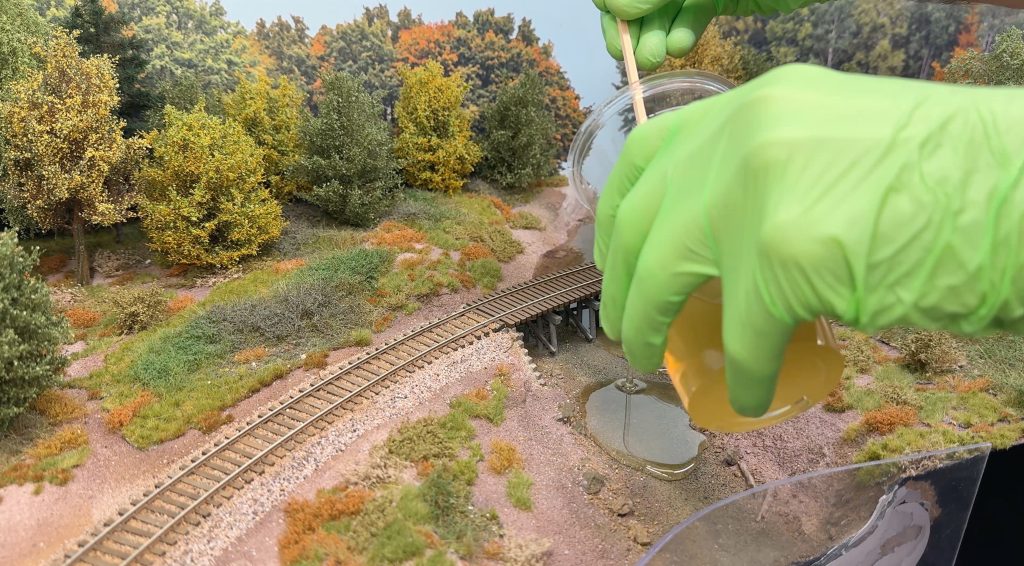
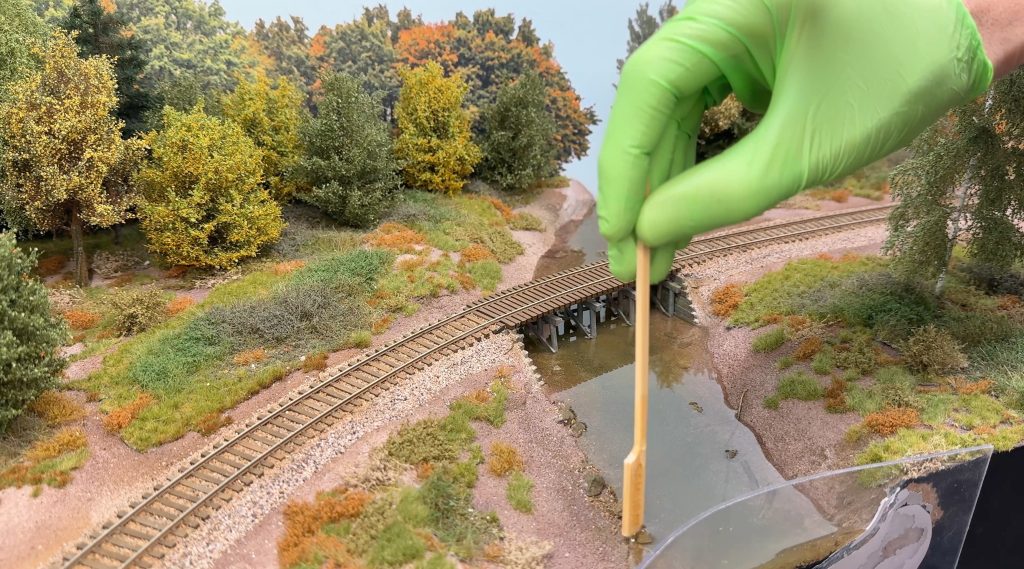
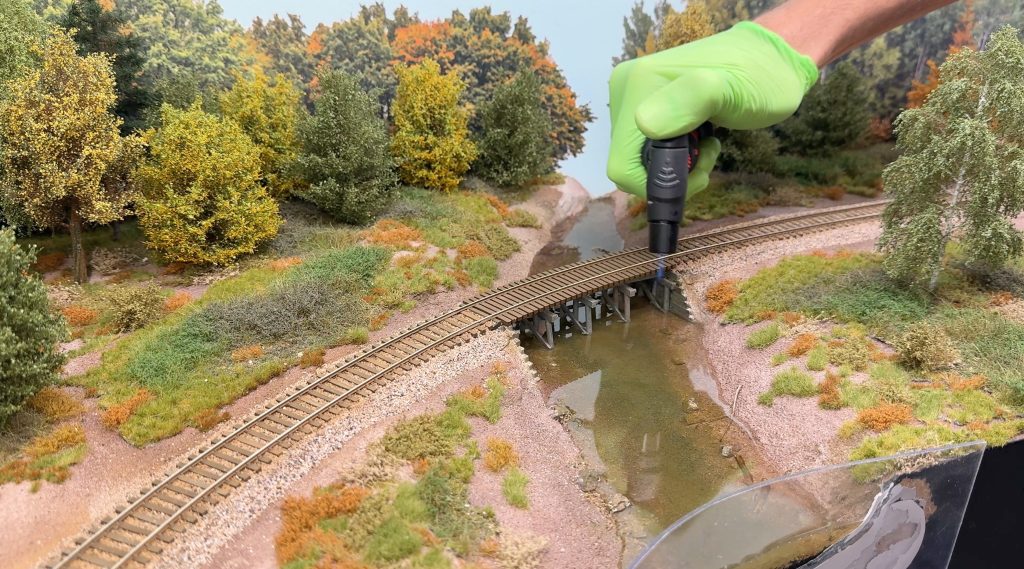
With a gas lighter, I carefully removed a few bubbles here and there. Take extra care to avoid setting the patiently crafted scene on fire.
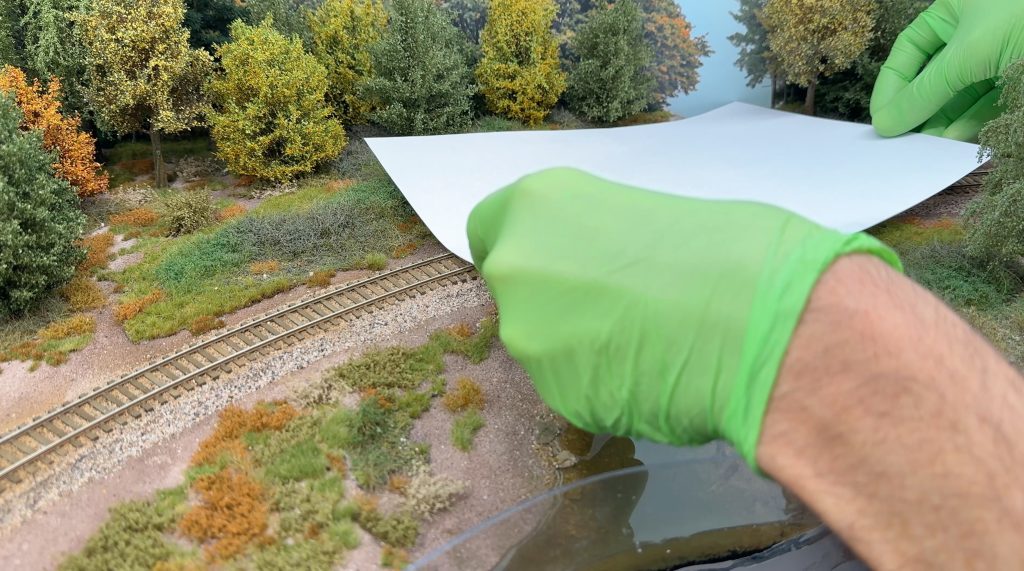
I placed a couple of sheets of paper over the creek scene to protect the resin from dust.
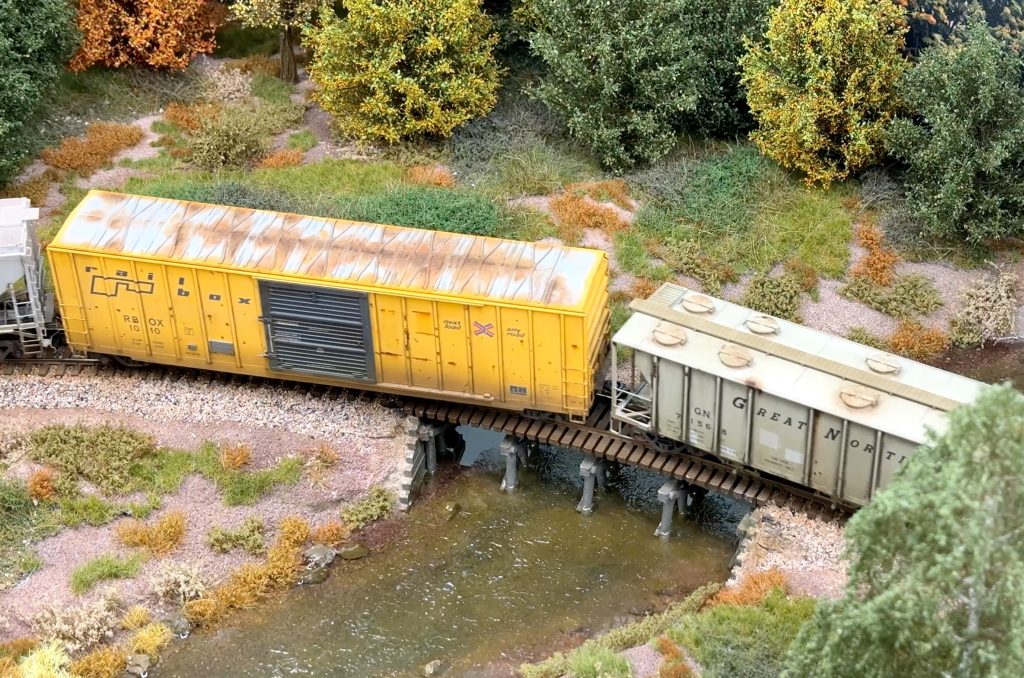
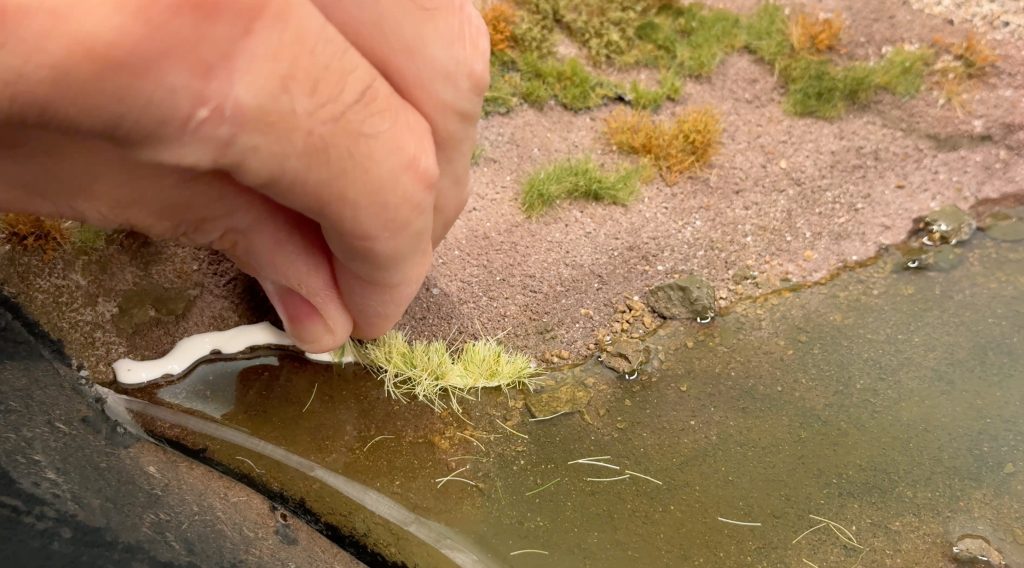
I added some static grass tufts along the banks using a mix of Woodland Scenics Straw and Medium Green, as well as Dead Grass from WW Scenics.
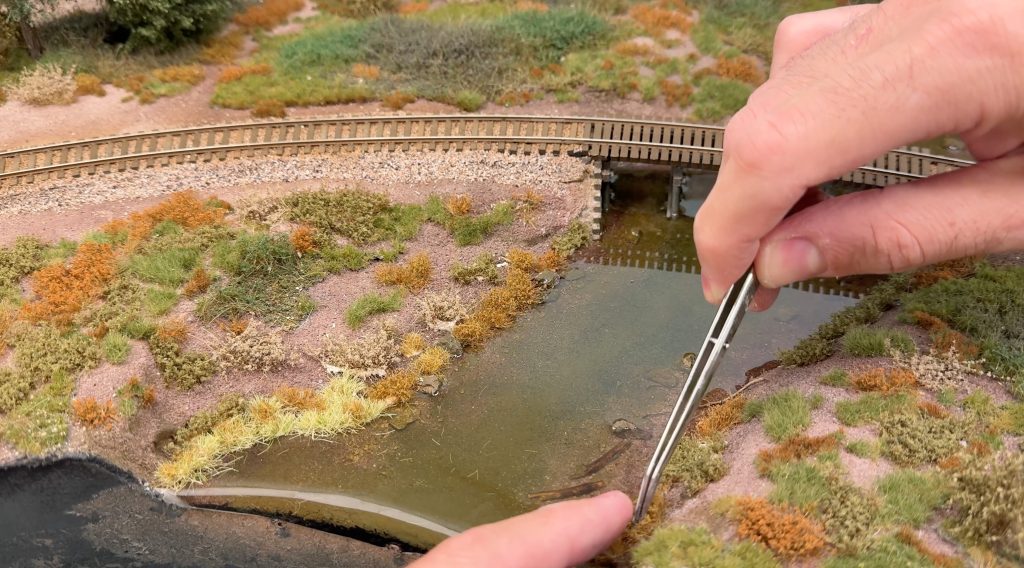
I let everything cure for 48 hours, then added some water ripples using Liquitex Gloss Gel.
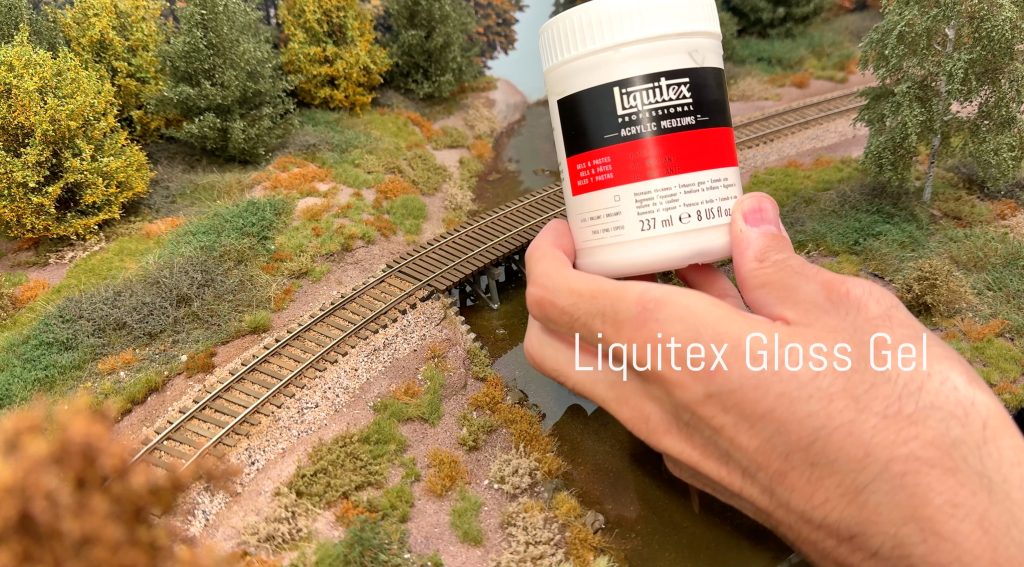
The gel is pretty thick, so it holds its shape. I used a damp brush to spread it around.
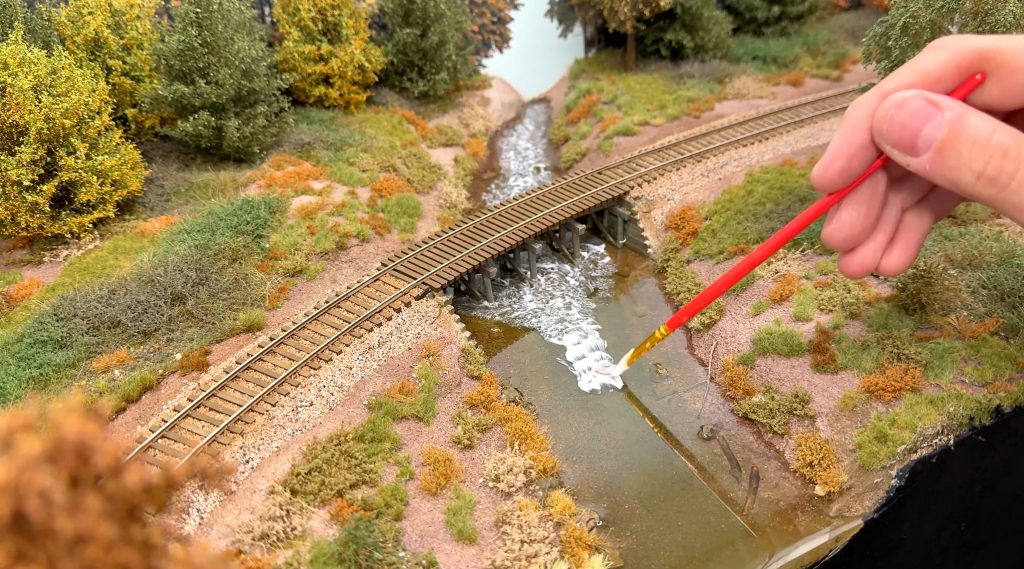
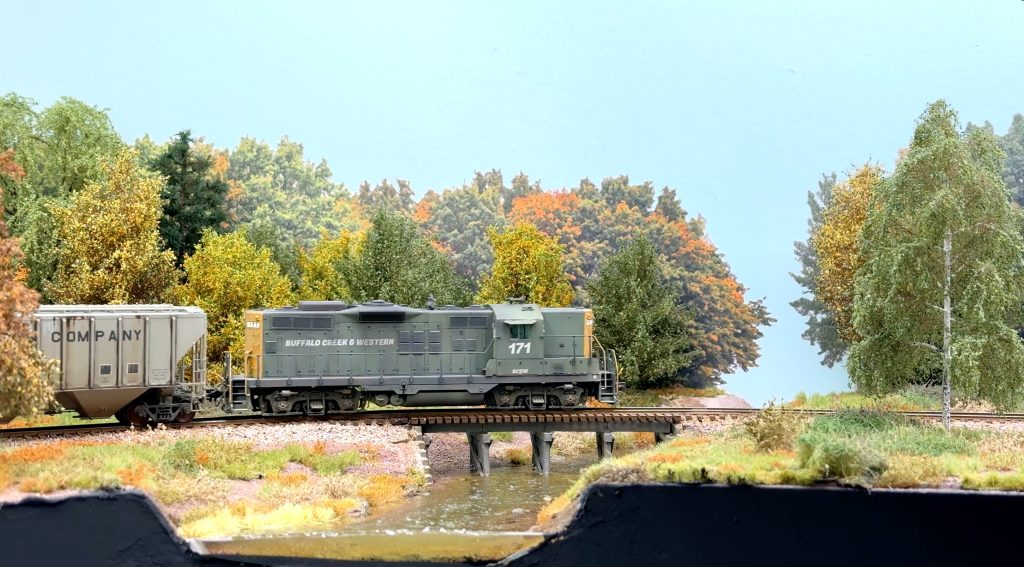
The gel dries completely clear in about 24 hours. And here, the bridge scenery scene is finally complete.
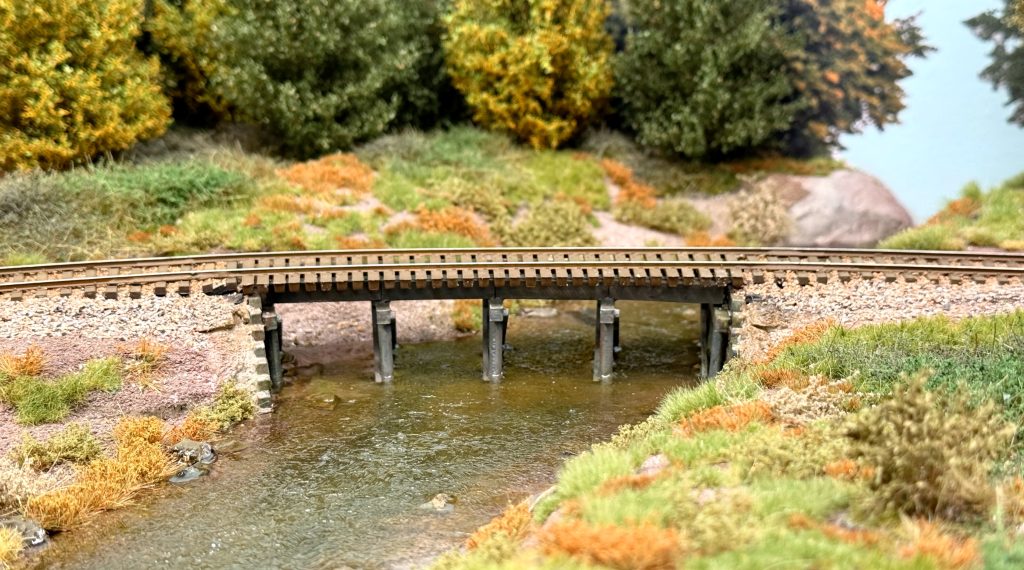
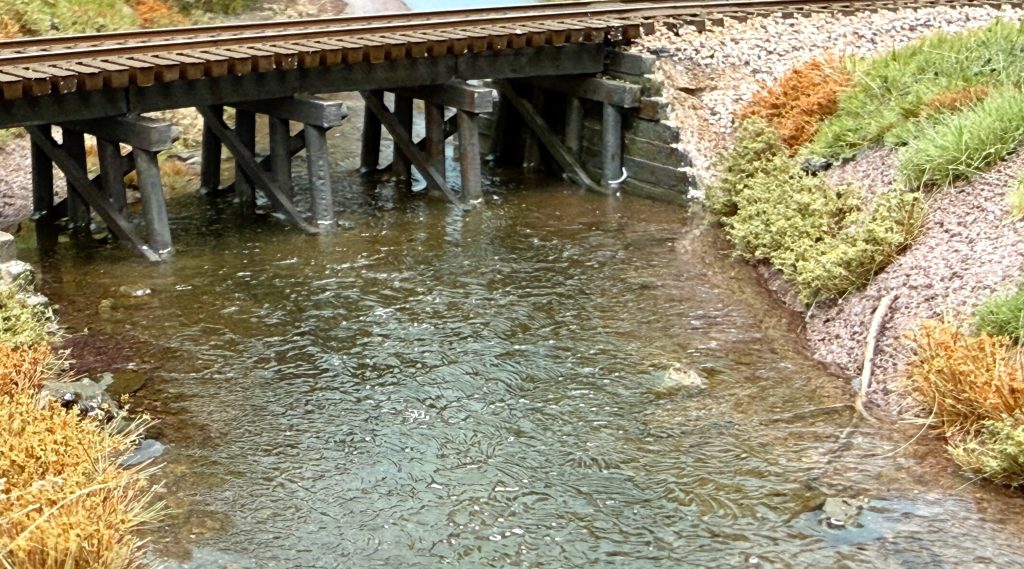
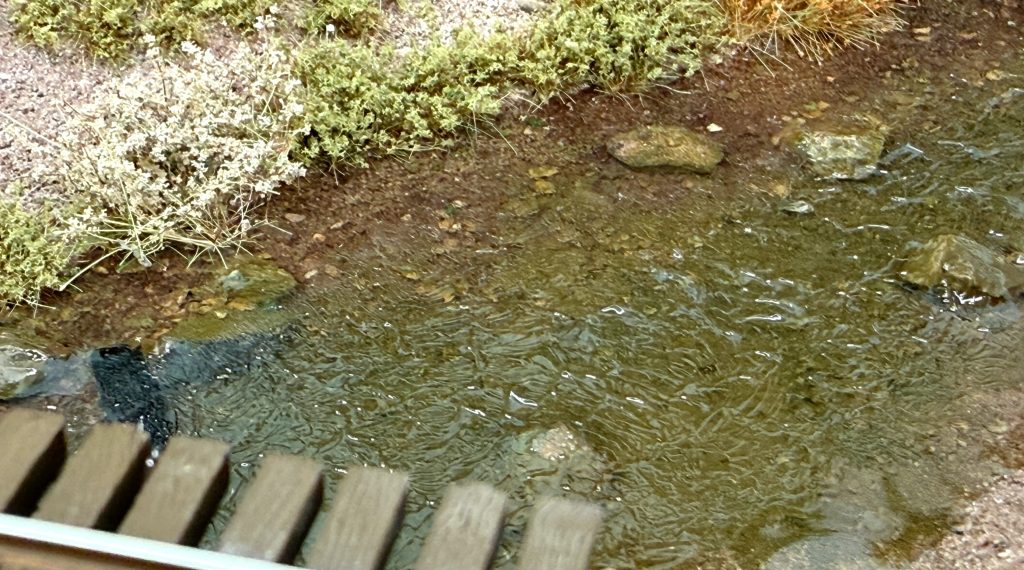
Martin Welberg’s products are amazing. When combined, they add a lot of realism. MBR trees also look great, and they complement the creek scene. I’m very satisfied with the result. It’s certainly good enough for me.
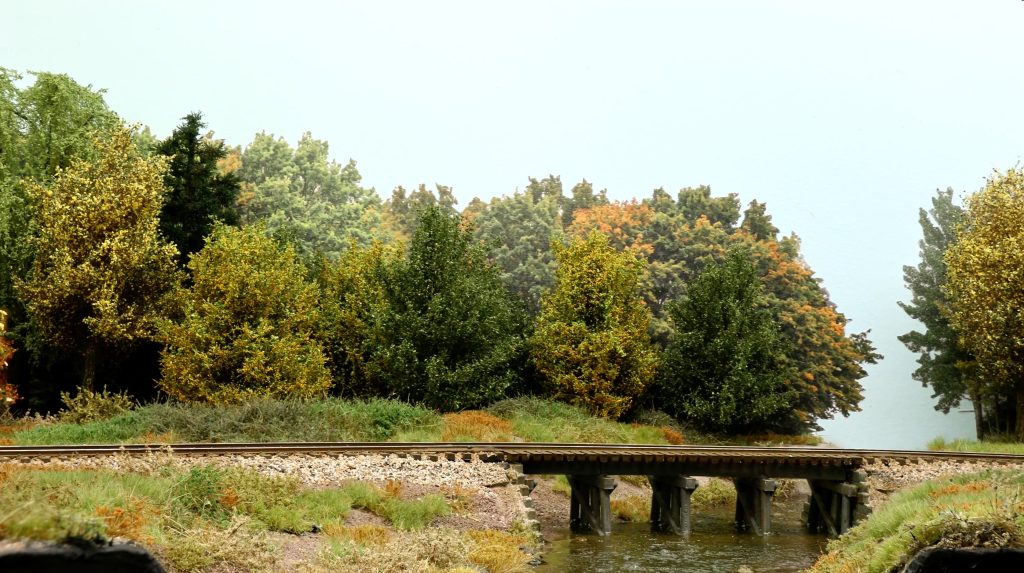
There are other methods, and many great layouts use different techniques. This is just my take. I know it takes a long time to plant all those bushes and tufts to complete a bridge scenery, but I find it very relaxing.